
What Is Backhaul WiFi Mesh, and Why Should You Care?
Backhaul WiFi mesh is the behind-the-scenes connection that carries data between the nodes in your mesh network. Think of it as the private highway your router uses to talk to its satellite units before delivering Wi-Fi to your devices.
Here's a quick breakdown of what you need to know:
- What it is: The link between mesh nodes, such as your router and satellites, not the Wi-Fi signal your phone or laptop connects to
- Why it matters: A weak or congested backhaul bottlenecks your entire network, no matter how fast your internet plan is
- Main types: Shared wireless, dedicated wireless, and wired Ethernet backhaul
- Best option for performance: Wired Ethernet backhaul, or a dedicated wireless band on tri-band and quad-band systems
- Newest advancement: Wi-Fi 7 systems use Multi-Link Operation (MLO) and 6GHz bands to dramatically boost backhaul speeds
Without a solid backhaul, your mesh system is just a collection of nodes struggling to keep up.
Picture this: you're working from home in a rural property, deep in a video call with your team, and suddenly the screen freezes. Voices break up. You scramble to reconnect. More often than not, the culprit isn't your internet plan. It's a congested or underperforming backhaul link inside your own mesh network.
That's exactly the kind of problem this guide is designed to fix.
I'm Aaron Wroblewski, founder of SpaceTek Australia, and with over 25 years across IT, long-range WiFi, and satellite communications, I've seen how the right backhaul WiFi mesh setup can mean the difference between a rock-solid connection and constant frustration, especially in remote Australian conditions. In the sections ahead, we'll break down every backhaul type, compare your options, and help you build a network that actually works where you live.
Why Your Backhaul WiFi Mesh Choice Matters for Speed
When we talk about network performance, most people focus on the "fronthaul," the Wi-Fi signal your phone actually sees. However, the backhaul in a WiFi mesh network is the true backbone of your system. If the communication between your main router and the satellite nodes is slow, your devices will suffer from high latency and reduced speeds, even if you are standing right next to a satellite.
According to scientific research on Wi-Fi optimisation with wireless mesh networks, the efficiency of this internal communication determines how much bandwidth is actually available to the end-user. In a busy Australian household where one person is streaming 4K video while another is on a Zoom call, a poor backhaul choice leads to congestion. Essentially, the nodes spend so much time talking to each other that they have less time to talk to your devices.
Wired vs Wireless Backhaul WiFi Mesh Options
Choosing between wired and wireless backhaul is the most significant decision you'll make for your home network.
- Shared Wireless Backhaul: This is common in budget dual-band mesh systems. The nodes use the same 5GHz frequency to talk to each other and to your devices. This "sharing" can cut your potential speed in half because the radio has to switch between tasks constantly.
- Dedicated Wireless Backhaul: Premium tri-band or quad-band systems reserve a specific frequency band, usually a second 5GHz or a 6GHz band, exclusively for node-to-node communication. This prevents client devices from competing for that bandwidth, significantly improving stability.
- Wired Ethernet Backhaul: This is the gold standard. By connecting nodes with a physical cable, you free up all wireless bands for your devices.
As detailed in technical guides like the TP-Link Deco Ethernet backhaul guide, using a wired connection eliminates interference from walls and household appliances. For those with multi-story homes or thick brick walls, moving to a wired setup is often the only way to achieve gigabit speeds in every room.
How Wi-Fi 7 and MLO Supercharge Backhaul WiFi Mesh
The latest leap in networking is Wi-Fi 7, and it changes the game for backhaul WiFi mesh performance. The standout feature is Multi-Link Operation (MLO). In older systems, nodes communicated over a single band at a time. MLO allows a router and satellite to aggregate multiple bands, like 5GHz and 6GHz, into one massive, high-speed pipe.
Advanced Wi-Fi 7 systems, such as those discussed in the Netgear Orbi 970 Series documentation, are reported to be up to 2.4 times faster than Wi-Fi 6. They utilise 320MHz channels and 4K QAM to pack more data into every transmission. Another clever trick is "preamble puncturing," which allows the mesh system to use parts of a wireless channel even if there is interference on a specific frequency, ensuring the backhaul stays open and fast.
The Power of Ethernet Backhaul for Starlink Users
For our customers using Starlink in rural Australia, backhaul in a WiFi mesh network is critical. Starlink provides incredible speeds from space, but if your internal mesh network is weak, you lose that advantage. We often recommend using SpaceTek's integration methods to connect a high-performance third-party mesh system.
Using a wired Ethernet backhaul with Starlink ensures that the high-speed data from your dish travels through a stable, physical pathway to your mesh satellites. This is especially vital when maximising coverage with mesh extenders in large sheds or across sprawling farmhouses where wireless signals might struggle to penetrate heavy roofing or insulation.
Troubleshooting Your Mesh Network Connectivity
If your mesh network feels sluggish, the primary fix is ensuring physical mount stability. A dish that isn't perfectly stable on a SpaceTek precision mount will suffer from micro-outages that cripple your backhaul performance. Once the physical foundation is secure, check for physical obstructions. Research on WiFi signal strength degradation shows that materials like concrete, brick, and even certain types of glass can severely dampen signals.
To maximise your Starlink WiFi range, ensure your nodes have a clear line of sight where possible. Check your cable integrity if you're using Ethernet backhaul; a single damaged Cat5e cable can drop your entire backhaul speed from 1000Mbps to a measly 100Mbps. Always keep your firmware updated, as manufacturers frequently release patches to improve how nodes communicate.
Choosing the Right Mesh System for Large Properties
For expansive Australian properties, a basic two-pack mesh system won't cut it. You need a system designed for high-bandwidth needs and large coverage areas.
- Coverage Area: High-capacity systems, such as those mentioned in the TP-Link Deco BE67 specs, can cover over 8,000 square feet, making them ideal for large homesteads.
- Quad-Band Systems: These offer the best wireless backhaul by dedicating the 6GHz band to node communication.
- Multi-Gigabit Ports: Ensure your mesh system has 2.5Gbps or 10Gbps ports to future-proof your network.
When deciding which mesh system reigns supreme, consider the best mesh systems for Starlink users that offer robust outdoor options. Ensure your setup includes SpaceTek's IP65-rated outdoor solutions for workshops or gates.
Frequently Asked Questions About Mesh Backhaul
How do I know if my mesh is using Ethernet backhaul? Most mesh apps have a network map. Look for a "wired" or "Ethernet" icon next to your satellite nodes. If it says "wireless," your cable might be faulty or plugged into the wrong port.
Can I mix different brands of mesh routers? Generally, no. While some standards exist, most backhaul WiFi mesh technologies are proprietary. It is best to stick to one ecosystem for seamless handoffs and backhaul stability. You can find more details in our guide to Starlink mesh WiFi.
Does backhaul affect latency for gaming? Absolutely. Wireless backhaul adds "hops" that increase ping. If you are a gamer, using a wired Ethernet backhaul is the single best thing you can do for your connection.
Should I use 5GHz or 6GHz for backhaul? 5GHz travels further and penetrates walls better, but 6GHz (in Wi-Fi 6E and Wi-Fi 7) offers much higher speeds with less interference. Wi-Fi 7 systems use both simultaneously via MLO for the best results.
Building a Faster Mesh Network for Australian Conditions
At SpaceTek Australia, we know that a high-performance network starts with a secure foundation. Whether you are setting up backhaul for a WiFi mesh network in a suburban home or a remote cattle station, the physical installation of your equipment matters just as much as the software settings.
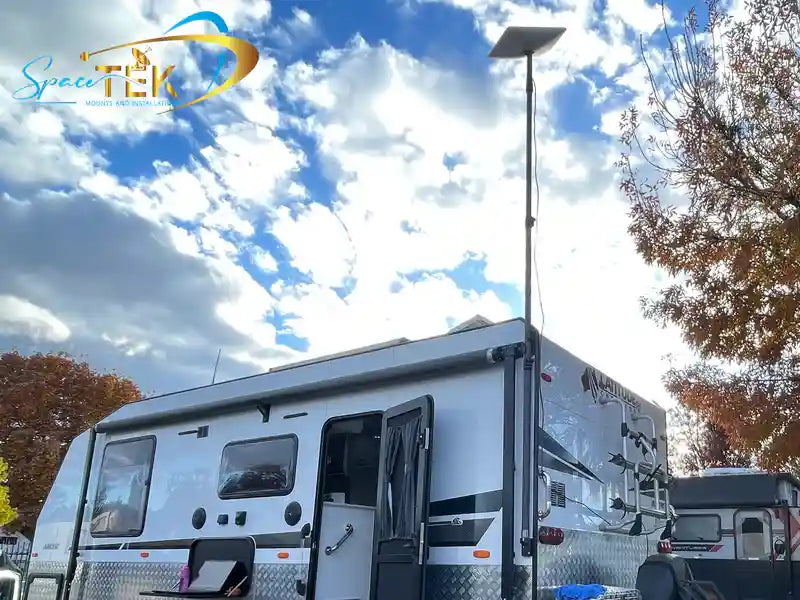
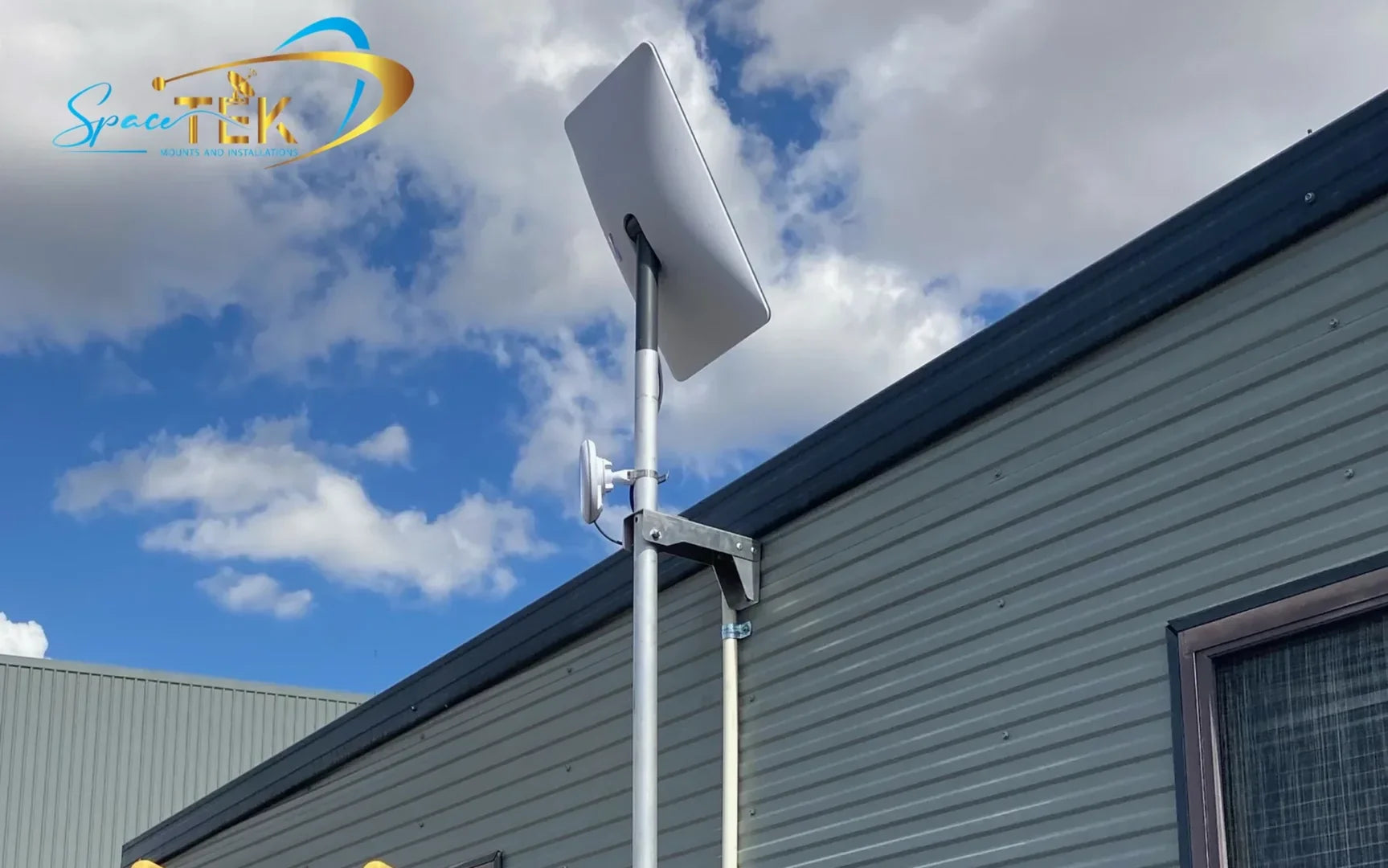
Our Australian-engineered mounts are designed to withstand our harsh climate, from the blistering heat of the Pilbara to coastal salt spray. We provide rust-resistant solutions that ensure your Starlink dish remains stable, which is essential for maintaining the high-speed feed that powers your mesh backhaul.
For those on the move, our StarPower DC solutions and rugged travel backpacks with foam inserts allow you to take your high-speed internet anywhere. We also offer high-quality USB-C to DC cables and IP68-rated sockets for clean, professional installations in caravans and 4WDs.
If you are ready to eliminate dead zones and finally get the speeds you’re paying for, explore the full range of Starlink accessories and mounting kits at SpaceTek Australia. From carbon fibre telescopic mounts to custom power solutions, we have everything you need to build a world-class network in the toughest conditions on Earth.
Recap: Your backhaul WiFi mesh setup is the unsung hero of your home Wi-Fi. By choosing a system with a dedicated wireless band or, better yet, wiring your nodes with Ethernet, you ensure that every device in your home enjoys the full speed of your Starlink or NBN connection. Don't let a "boring" tech detail like backhaul be the bottleneck in your digital life. Build it right, build it once, and enjoy the speed.

Leave a comment
This site is protected by hCaptcha and the hCaptcha Privacy Policy and Terms of Service apply.