
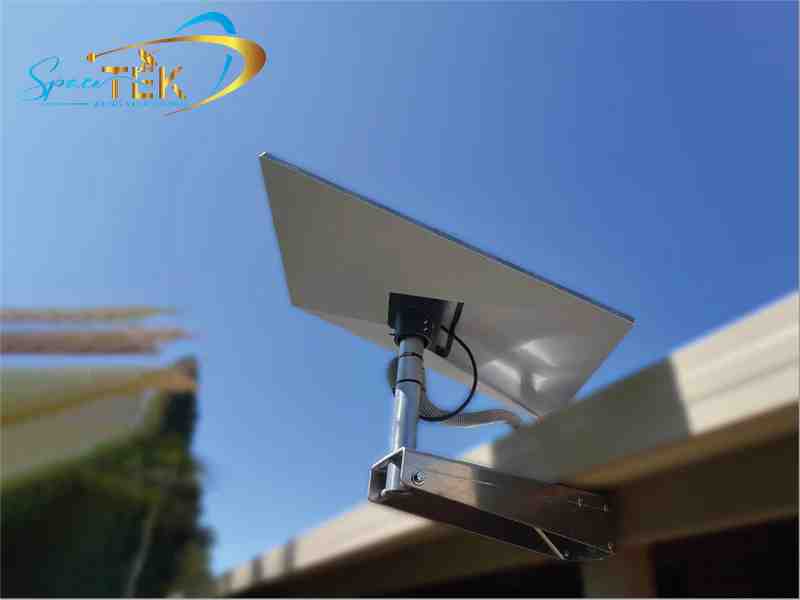
Why Getting Your Fixed Mounting Solutions Right Matters From Day One
Fixed mounting solutions are permanent, stationary hardware systems designed to securely lock equipment, such as satellite dishes, displays, and panels, into a single position with zero movement after installation, providing maximum stability and wind resistance.
Here's a quick breakdown of what they are and when to use them:
- What they are: Stationary mounts that lock equipment into a single, fixed position once installed
- Best for: Long-term installations where alignment won't need to change, including TVs, Starlink dishes, signage, panel interiors, and satellite equipment
- Key advantage over adjustable mounts: Greater structural stability, cleaner aesthetics, reduced mechanical wear, and faster installation
- Common surfaces: Structural timber, masonry, drywall with anchors, steel framing, and fascia
- Who uses them: Homeowners, AV integrators, marine fit-out specialists, commercial builders, and off-grid and rural residents
If you're in a remote area of Australia, dealing with harsh UV, strong winds, and limited access to tradespeople, getting the right fixed mount from the start means fewer call-backs, less rework, and a more reliable setup over time.
The difference between a mount that holds firm through a storm and one that shifts or corrodes often comes down to material choice, weight rating, and whether it was designed for your specific conditions. This guide breaks all of that down so you can make a confident decision before you buy.
Basic fixed mounting solution terms:
- custom Starlink mounts
- fixed mounts
What Are Fixed Mounting Solutions and How Do They Work?
At their core, fixed mounting solutions are built for uncompromising stability. Unlike full-motion or tilting hardware that relies on friction joints, arm hinges, and swivel bearings, a fixed mount is designed to keep your equipment completely stationary.
By eliminating moving parts, these mounting kits achieve a level of structural integrity that adjustable options simply cannot match. This stationary design distributes the weight of your device evenly across the mounting surface, minimising stress on individual fasteners and preventing sag over time.
Another major drawcard is the minimalist profile. Because there is no need to clear space for panning or tilting, a fixed mount allows a screen or panel to sit incredibly close to the wall. For example, some professional wall mounts sit as close as 23 mm to 24 mm from the surface, creating a clean, flush appearance that mimics a framed picture.
Fewer moving parts also means reduced mechanical wear. There are no pivot points to loosen, no tension screws to tighten, and no joints that can wear out under heavy use or high winds. For long-term stability, particularly in commercial venues or outdoor setups, a fixed mount is the gold standard.
Understanding the Core Mechanics
To understand why these systems are so reliable, we have to look at how they distribute loads. A standard flush installation relies on a wide wall plate that spans multiple wall studs. Securing this plate directly to structural timber or steel studs ensures that the pulling force is transferred back into the building’s framing rather than pulling on the fragile plasterboard.
For display panels, compatibility is managed through standardised VESA patterns. These patterns dictate the spacing of the mounting holes on the back of your screen, ensuring that a universal mount will line up perfectly with major display brands. High-quality commercial options, like the Fixed Wall Mount, 32–65 Inch, VESA Up to 400x400, use these standards to support screens up to 50 kg while maintaining a profile of just 23 mm from the wall.
Why Choose Fixed Mounting Solutions Over Adjustable Alternatives?
When planning an installation, it is easy to default to an adjustable mount "just in case" you need to change the angle later. However, opting for fixed mounting solutions from the outset delivers significant practical advantages:
- Cost Efficiency: Fixed hardware is generally more affordable than complex articulating arms because it requires fewer machined components and joint assemblies.
- Rework Reduction: Once a fixed mount is leveled and bolted down, it stays level. There is no risk of a user pulling a display out of alignment, which cuts down on maintenance visits.
- Precision Alignment: For multi-screen setups or clean architectural panels, fixed systems allow you to achieve a perfectly flat, uniform surface.
- Aesthetic Appeal: Without bulky arms or mounts visible behind the equipment, the hardware remains completely hidden, highlighting the display or dish itself.
For those planning to mount hardware permanently, exploring our range of Fixed Mounts will show you just how streamlined these setups can be.
Selecting Fixed Mounting Solutions for Harsh Environments
In Australia, outdoor installations face some of the most punishing weather on the planet. From the blistering UV rays of the outback to the salty, humid air of coastal regions, standard indoor hardware will quickly corrode and fail.
When mounting satellite equipment or communications gear outdoors, you need materials that can withstand these elements. Look for mounts made from folded aluminium or heavy-gauge, pre-galvanised steel with a durable powder-coated finish. Folded aluminium is particularly effective; it offers incredible strength-to-weight ratios, is naturally rust-resistant, and won't degrade under intense sunlight.
Wind loading is another critical factor. A high-profile dish or antenna acts like a sail in heavy weather. Fixed mounting kits designed specifically for outdoor use feature wider bases and reinforced welds to handle these forces without flexing. If you want a deep dive into choosing the right setup for Australian conditions, check out our Best Fixed Mounting Solutions Starlink Guide.
Key Applications: From Home Entertainment to Off-Grid Starlink Setups
While fixed mounts are incredibly popular for home theatres and commercial digital signage, they are also vital for off-grid communications. In rural areas, having a stable, secure internet connection relies heavily on how well your satellite dish is positioned.
For properties utilising Starlink, a solid installation is non-negotiable. If a mount flexes or vibrates in high winds, the dish can lose its connection to the satellite constellation, leading to dropouts during video calls or streaming.
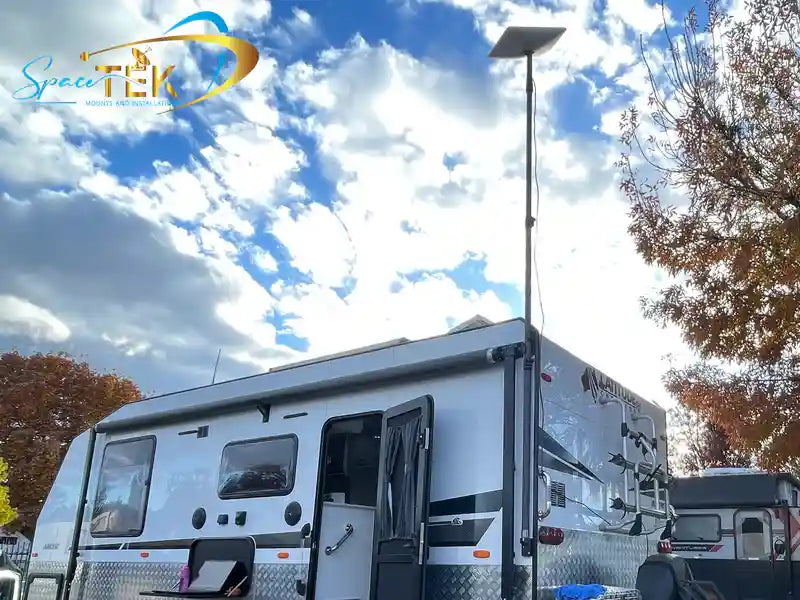
This is where custom solutions shine. For those on the move or setting up a permanent homestead, our Portable vs Fixed Starlink Mounts: Which Suits Your Lifestyle? comparison guide helps you decide between a temporary travel mount and a rock-solid, permanent fixture.
For off-grid setups, pairing a fixed Starlink mount with a high-efficiency power system is a game-changer. Standard setups require a power-hungry AC inverter to run the Starlink router. By upgrading to our StarPower V2 and V3 DC power supplies, you can run your Starlink system directly from your battery bank. These systems offer significant DC-to-DC efficiency advantages over traditional AC inverters, which waste energy converting power back and forth. This direct DC-to-DC conversion minimises power draw, allowing you to bypass the standard Starlink router entirely and run your own custom network gear.
How Fixed Mounting Solutions Simplify Cable Management
One of the biggest headaches of any hardware installation is dealing with the messy nest of power and data cables. A poorly managed cable isn't just an eyesore; it's also a snag hazard and a common point of system failure.
Fixed mounts are uniquely engineered to solve this problem. Because the mount does not move, cables can be routed securely along a permanent path without needing extra slack for swivelling or extending. Many high-quality fixed mounts feature a hollow center pass-through, allowing you to run cables directly through the wall or mounting surface from behind the device.
For commercial kiosks, retail displays, or public spaces, specialised mounts like the Fixed Tilted VESA Wall or Surface Mount, 15 Degree, Black provide built-in storage space for PoE adapters, power bricks, and excess cabling. These systems often feature security locking mechanisms or require tools for removal, preventing unauthorized tampering while keeping the cables completely out of sight.
Critical Selection Factors: Weight Capacity, Materials, and Standards
Before purchasing any fixed mount, there are several key technical specifications you must verify to ensure a safe and long-lasting installation:
- Weight Rating: Always choose a mount rated well above the weight of your equipment. For heavy displays or large satellite dishes, look for structural steel or aluminium options designed to hold 40 kg to 60 kg or more.
- Material and Finish: For indoor use, powder-coated cold-rolled steel is excellent. For outdoor or marine environments, insist on anodised aluminium or marine-grade stainless steel to prevent rust.
- VESA Standards: Ensure the mounting plate matches the hole pattern on your device, such as 75x75 mm, 100x100 mm, or up to 600x400 mm for larger screens.
For a complete breakdown of what to look for when securing your satellite system, refer to our comprehensive Starlink Mounts Complete Guide.
Matching Mounts to Your Specific Surface
The surface you are mounting to is just as important as the mount itself. A heavy-duty mount is only as strong as the wall anchoring it.
When installing on drywall or plasterboard, you must locate the timber or steel studs behind the wall. Fastening directly into structural timber using heavy wood screws provides the necessary holding power. If you are mounting to masonry, concrete, or brick, you will need to use expansion anchors or masonry plugs to secure the plate.
For specialised architectural installations, such as suspending signage or acoustic panels from a ceiling, hardware like the Fixed Pier, Short is rated for up to 68 kg (150 lbs) per pier when installed into structural wood. When working with brittle surfaces like gypsum board, using specialized mounting plates helps spread the compression forces, preventing damage to the ceiling.
Step-by-Step Best Practices for a Flawless Installation
Achieving a professional, level finish with a fixed mount requires patience and the right tools. Follow these steps to ensure a secure installation:
- Locate the Studs: Use a reliable stud finder to locate the center of the wall studs. Mark these locations clearly.
- Check for Level: Hold the mounting plate against the wall at your desired height. Place a bubble level on top of the plate to ensure it is perfectly horizontal before marking your pilot holes.
- Pre-Drill Pilot Holes: Never skip this step. Pre-drilling prevents timber studs from splitting and ensures the lag bolts drive in straight.
- Secure the Mount: Drive the mounting screws or bolts into the wall studs. Double-check with your level before tightening them completely.
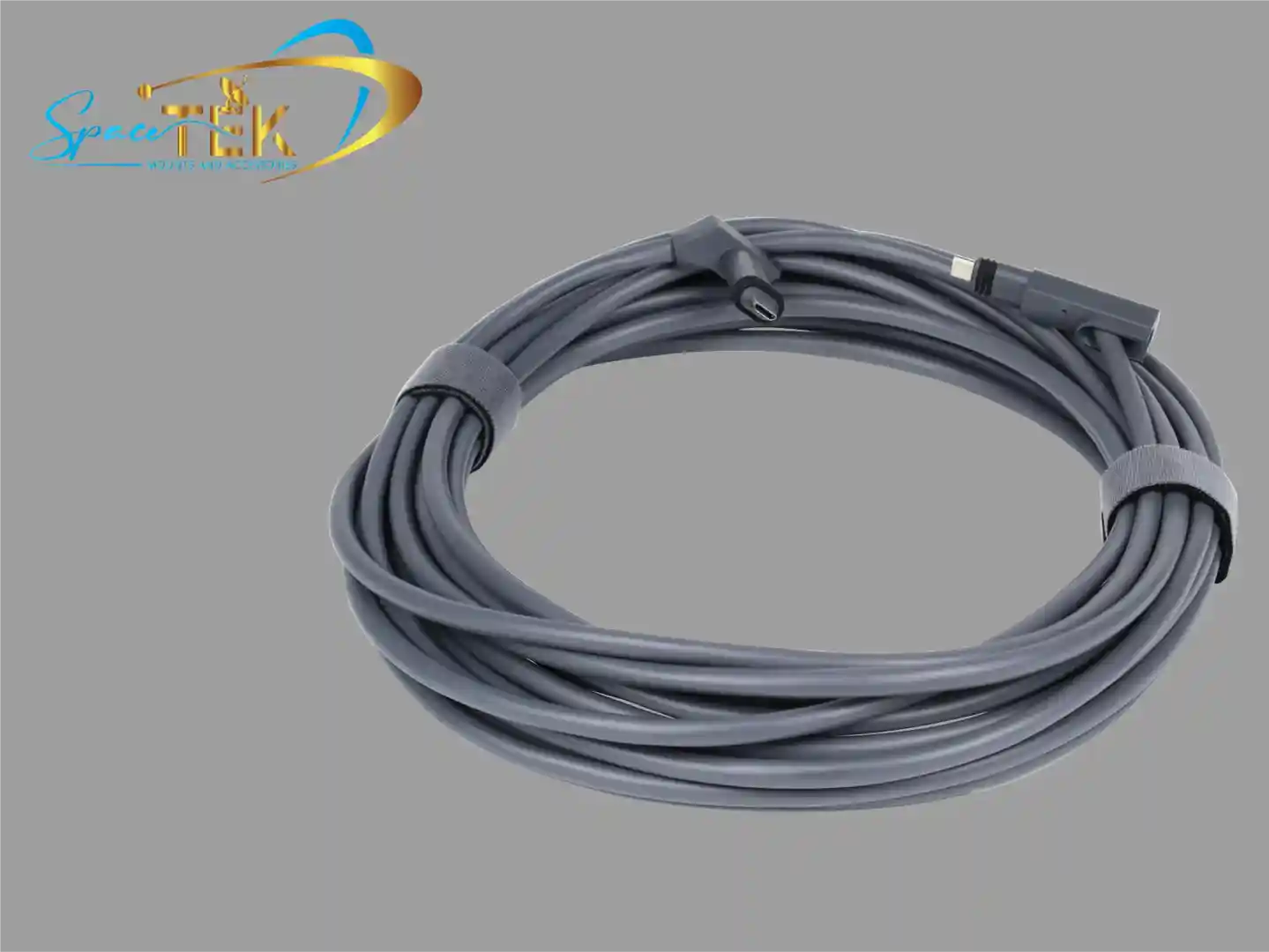
- Route Your Cables: Run your power and data lines through the mount's cable management channels or wall cavities before hanging the device. For outdoor setups, ensure you use thick, shielded, UV-resistant cables to protect your equipment.
- Mount the Device: Carefully lift your display or satellite dish onto the fixed mount, ensuring all safety clips or locking bars are securely engaged.
For professional telecom or commercial setups, referring to an official Installation Guide can provide useful insights into securing heavy hardware kits in structured environments. If you are planning an outdoor roof installation, our Starlink Roof Mounts Complete Guide covers everything from tile roof attachments to metal deck installations.
Frequently Asked Questions About Fixed Mounts
Can I upgrade my display or dish size without replacing the fixed mount?
In many cases, yes. High-quality fixed mounts often feature universal VESA plates or modular back boxes that can accommodate a range of screen sizes. For satellite setups, using standard pipe diameters means you can easily swap out gear or use custom pipe adapters to fit newer generations of equipment without needing to drill new holes in your roof or wall.
Why is direct DC power better than using an AC inverter for fixed off-grid setups?
Standard off-grid setups require you to run an AC inverter to power your satellite router, which wastes a significant amount of battery energy through heat conversion. By using SpaceTek StarPower V2 or V3 DC power supplies, you can run your Starlink system directly from your battery bank. This direct DC-to-DC power setup offers superior efficiency advantages over using an AC inverter, which wastes valuable battery energy through heat conversion. Bypassing the inverter reduces overall power draw and allows you to run a more robust, custom local network.
How do fixed mounts handle high wind zones in Australia?
Fixed mounts are inherently better suited for high wind zones because they lack the moving joints and pivot points found in adjustable mounts. When crafted from robust materials like folded aluminium or heavy-gauge steel, a fixed mount can withstand extreme wind loads. For maximum safety, always ensure the mount is secured directly into the building's structural timber or metal framing using high-tensile fasteners.
Choosing a Fixed Mount That Stays Secure Long Term
When it comes to securing your valuable displays or critical communication equipment, fixed mounting solutions offer unmatched stability, clean aesthetics, and long-term durability. By choosing a high-quality, stationary setup, you eliminate the risk of mechanical wear, simplify your cable management, and protect your gear from the elements.
At SpaceTek Australia, we specialise in designing premium, rust-resistant Starlink mounts and off-grid accessories built specifically to survive the harshest Australian environments. Whether you are setting up a permanent home connection or heading deep into the outback with a Starlink Mini, our Australian-designed gear ensures you stay connected when it matters most.
Ready to upgrade your off-grid setup? Explore our range of custom mounting kits and high-efficiency StarPower V2 and V3 DC power supplies today. If you need help choosing the perfect mount for your next adventure or home installation, reach out to our local team or visit our find-an-installer page to get the job done right.

Leave a comment
This site is protected by hCaptcha and the hCaptcha Privacy Policy and Terms of Service apply.