
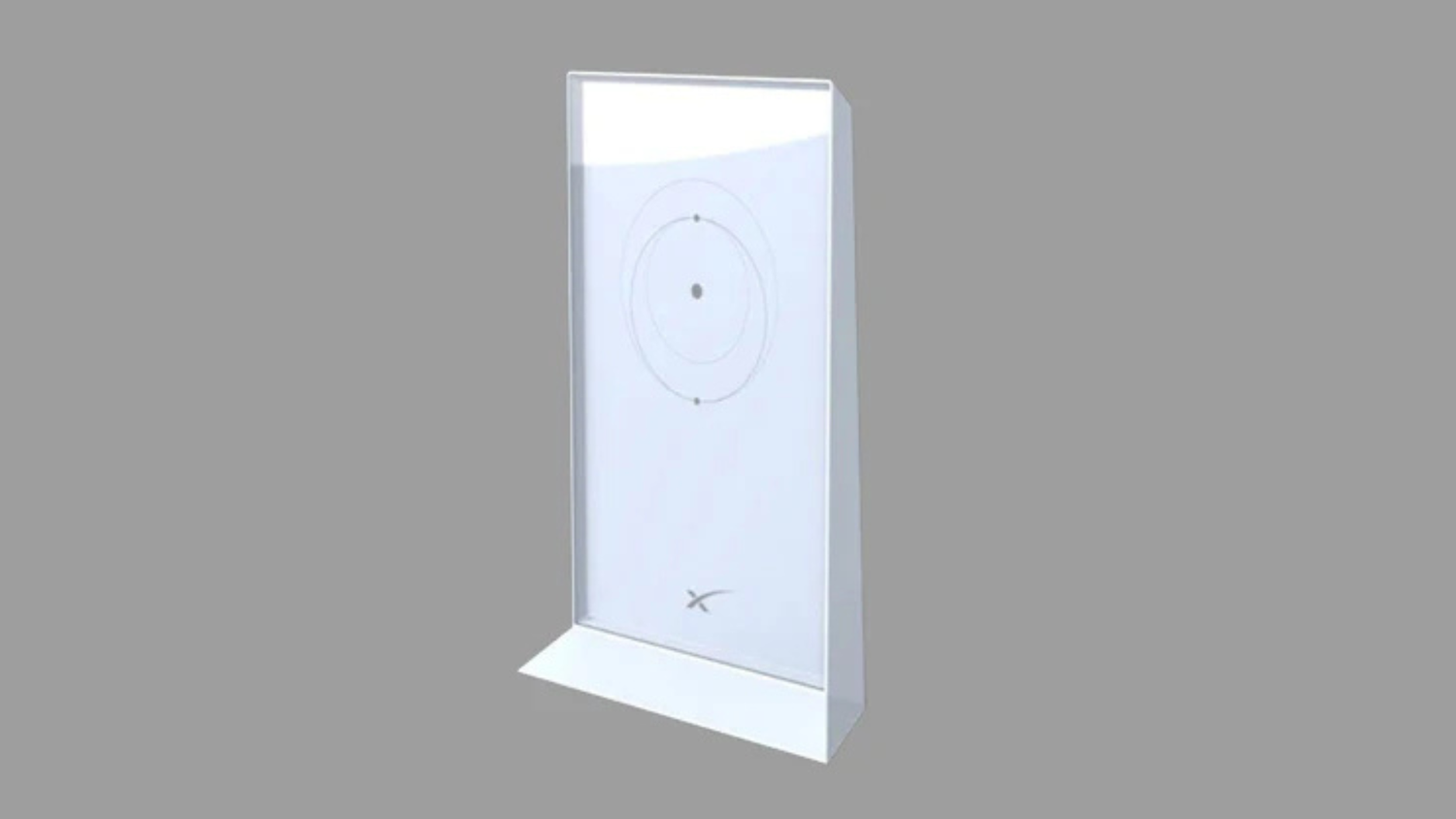
Why a Reliable Mesh Router for Starlink is Essential for Rural Coverage
A reliable mesh router for Starlink solves the most common challenge rural users face: extending high-speed satellite internet throughout their entire property. While Starlink delivers impressive speeds, the standard router often leaves dead zones in back rooms, workshops, and outdoor areas.
A mesh WiFi system eliminates these gaps, maintains consistent speeds, and handles the demands of modern rural life—from remote work and streaming to smart home devices.
Quick Answer: Best Mesh Router Features for Starlink
- Coverage: Look for systems covering 5,000+ sq. ft. (2-3 nodes)
- WiFi Standard: WiFi 6 minimum, WiFi 6E or WiFi 7 for future-proofing
- Speed: AX3000 or higher for optimal Starlink performance
- Setup: Requires an Ethernet adapter for the Starlink system and bypass mode enabled
- Tri-band Technology: Dedicated backhaul for stable, seamless connectivity
- Device Capacity: Support for 100+ devices minimum
As founder of SpaceTek Australia, with over 25 years in remote communications, I've seen how pairing Starlink with a quality mesh system transforms basic satellite internet into whole-property, enterprise-grade connectivity.
Opening up Starlink's Full Potential with a Reliable Mesh Router for Starlink
Starlink delivers incredible internet speeds to rural Australia, but its potential is often limited by the standard WiFi router. Think of Starlink as a high-performance engine; to use its full power, you need an upgraded transmission. A reliable mesh router for Starlink is that upgrade, ensuring fast, consistent WiFi across your entire property.
Why the Standard Starlink Router Falls Short
The included Starlink router is functional for basic needs but struggles with the demands of larger, modern homes.
- Limited Range: Its coverage of ~2,500 sq. ft. leaves dead zones in workshops, back rooms, and outdoor areas.
- Basic Functionality: It lacks advanced controls like Quality of Service (QoS) for prioritising traffic, detailed analytics, or robust parental controls.
- Device Capacity: It can be overwhelmed by dozens of connected devices, causing slowdowns and instability.
- Performance Bottlenecks: It struggles to distribute Starlink's full speed during demanding tasks like 4K streaming or large file uploads.
Explore options for better coverage in our guide: More info about extending your Starlink range.
What is a Mesh WiFi System and Why is it Superior?
A mesh system replaces a single router with multiple interconnected "nodes." One node connects to your Starlink, and others are placed around your property to create a single, seamless WiFi network. Your devices automatically switch to the strongest signal as you move, eliminating dropped connections—a vast improvement over clunky WiFi extenders. Mesh systems are designed to erase dead zones and handle dozens of devices at once, making them ideal for large rural properties and RVs.
Learn more in our detailed guide: Mesh WiFi Explained: How It Works and Why You Need It.
Key Features to Look for in a Mesh Router for Starlink
- Coverage Area: Choose a system rated for your property size (e.g., 5,000+ sq. ft.).
- WiFi Standard: WiFi 6 is the baseline. WiFi 6E or WiFi 7 offer superior performance and future-proofing.
- Speed Rating: Look for AX3000 (WiFi 6) or higher to maximise Starlink's speed.
- Tri-band Technology: A dedicated backhaul band for node communication is essential for stable, high-speed performance.
- Device Capacity: Ensure support for 100+ devices for a modern smart home.
- Security: WPA3 encryption, automatic updates, and a built-in firewall are non-negotiable.
| Feature | Wi-Fi 5 (802.11ac) | Wi-Fi 6 (802.11ax) | Wi-Fi 7 (802.11be) |
|---|---|---|---|
| Max Speed | Up to 6.9 Gbps | Up to 9.6 Gbps | Up to 46 Gbps+ |
| Frequency Bands | 2.4 GHz, 5 GHz | 2.4 GHz, 5 GHz | 2.4 GHz, 5 GHz, 6 GHz |
| Key Technologies | MU-MIMO (Downlink) | OFDMA, MU-MIMO (DL/UL), 1024 QAM, Target Wake Time | MLO, 320 MHz Channels, 4096 QAM, Preamble Puncturing |
| Efficiency | Good | Excellent | Outstanding |
| Latency | Standard | Improved | Significantly Lower |
| Congestion | Prone to | Improved handling | Best handling |
| Backhaul | Often shared | Dedicated options | Dedicated & MLO |
For most Starlink users, a WiFi 6 system offers a great balance of performance and value, while WiFi 7 is the ultimate choice for demanding users.
Making Your Choice: Setup, Security, and Final Considerations
How to Set Up a Third-Party Mesh System with Starlink
Connecting a mesh system to Starlink is straightforward. The goal is to let your mesh system handle all WiFi duties while Starlink simply provides the internet connection.
- Obtain an Ethernet Adapter. This accessory is essential as the standard router may lack a built-in Ethernet port. This can typically be acquired from your satellite internet provider.
- Enable Bypass Mode. In the Starlink app, activate "Bypass Mode." This disables the Starlink router's WiFi and passes the internet connection directly to your mesh system, preventing network conflicts.
- Connect the Primary Node. Plug an Ethernet cable from the Ethernet adapter into the WAN/Internet port of your main mesh node.
- Position Satellite Nodes. Use your mesh system's mobile app to guide you through setup and help you place the satellite nodes in former dead zones for optimal coverage.
For a detailed walkthrough with NETGEAR Orbi, see this guide: A guide on setting up Starlink with a mesh system.
Comparing Starlink's Gen 3 Router to Third-Party Mesh
While Starlink's Gen 3 router is an improvement with Wi-Fi 6 and dual Ethernet ports, it can't compete with a dedicated third-party mesh system. Its 2,500 sq. ft. coverage is often insufficient for rural properties. A quality mesh system can cover over 7,500 sq. ft., supports more devices, and offers advanced features like QoS controls, dedicated backhaul channels, and superior security suites that the Gen 3 router lacks. For a deeper dive, read our comparison: Starlink Mesh vs Third Party: Which Reigns Supreme?.
Long-Term Benefits: A Complete Connectivity Solution
Investing in a reliable mesh router for Starlink is about future-proofing your network. A Wi-Fi 6E or Wi-Fi 7 system ensures you're ready for tomorrow's technology, while robust security features like WPA3 encryption and automatic updates protect your data.
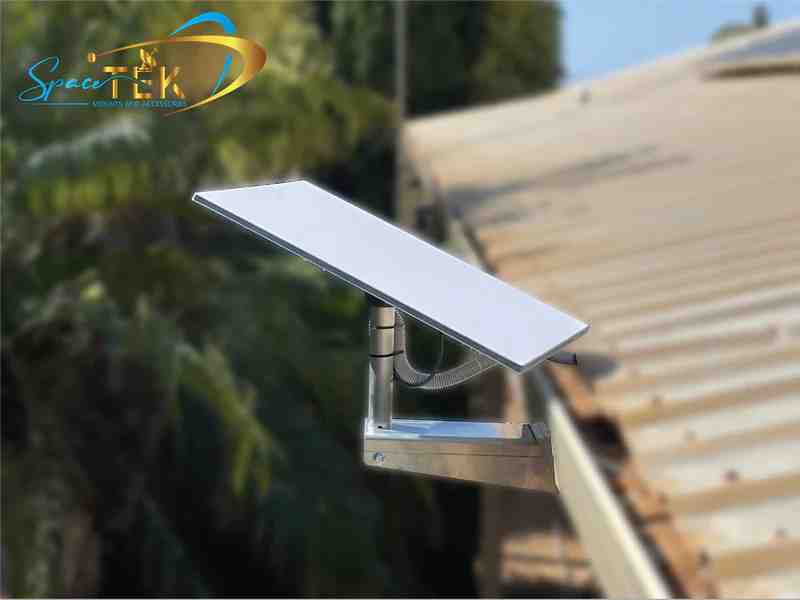
However, world-class WiFi is only as good as the signal it receives. A secure physical installation of your Starlink dish is crucial for consistent performance, especially in Australia's harsh weather. At SpaceTek Australia, we specialise in high-quality, rust-resistant mounting kits and accessories engineered for Australian conditions. Our mounts are fully compatible with Starlink's self-installer kits, providing the stable, reliable foundation your high-speed internet deserves.

By combining a top-tier mesh system with a properly installed Starlink dish using our robust mounts, you create a complete connectivity solution that delivers unparalleled performance across your entire property—whether on a farm, in a rural home, or travelling in an RV.
Explore our full range of Australian-designed mounting solutions: Find the right Starlink accessories for your setup.
If you have questions about choosing the right mesh system or selecting the perfect mount, our team is here to help. Get in touch with our experts for advice—we're passionate about helping Australians achieve brilliant connectivity.


Leave a comment
This site is protected by hCaptcha and the hCaptcha Privacy Policy and Terms of Service apply.