
Why Understanding Mesh in Network Matters for Rural Connectivity
Mesh in network refers to a decentralised network topology where multiple devices (called nodes) connect directly to one another, creating a web of interconnected access points that work together as a single, unified network. Unlike traditional Wi-Fi that relies on one central router, a mesh network distributes connectivity across several nodes, ensuring reliable coverage even in challenging environments.
Key characteristics of mesh in network systems:
- Multiple nodes working as one unified network with a single name (SSID)
- Dynamic routing that automatically selects the best path for data transmission
- Self-healing capability that reroutes traffic if one node fails
- Scalable coverage by simply adding more nodes to extend range
- Seamless handoff as devices move between nodes without disconnecting
For Australians in rural and remote areas, mesh networks solve a critical problem. Traditional routers struggle to cover large properties, especially when dealing with tin roofs, thick walls, or outdoor structures. A mesh system extends reliable connectivity across your entire property, from the house to the shed, caravan, or outdoor workspace.
This matters even more when you are running satellite internet like Starlink. The last thing you want is a fast satellite connection bottlenecked by poor internal distribution. A properly configured mesh network ensures every corner of your property gets the speed and reliability your satellite service delivers.
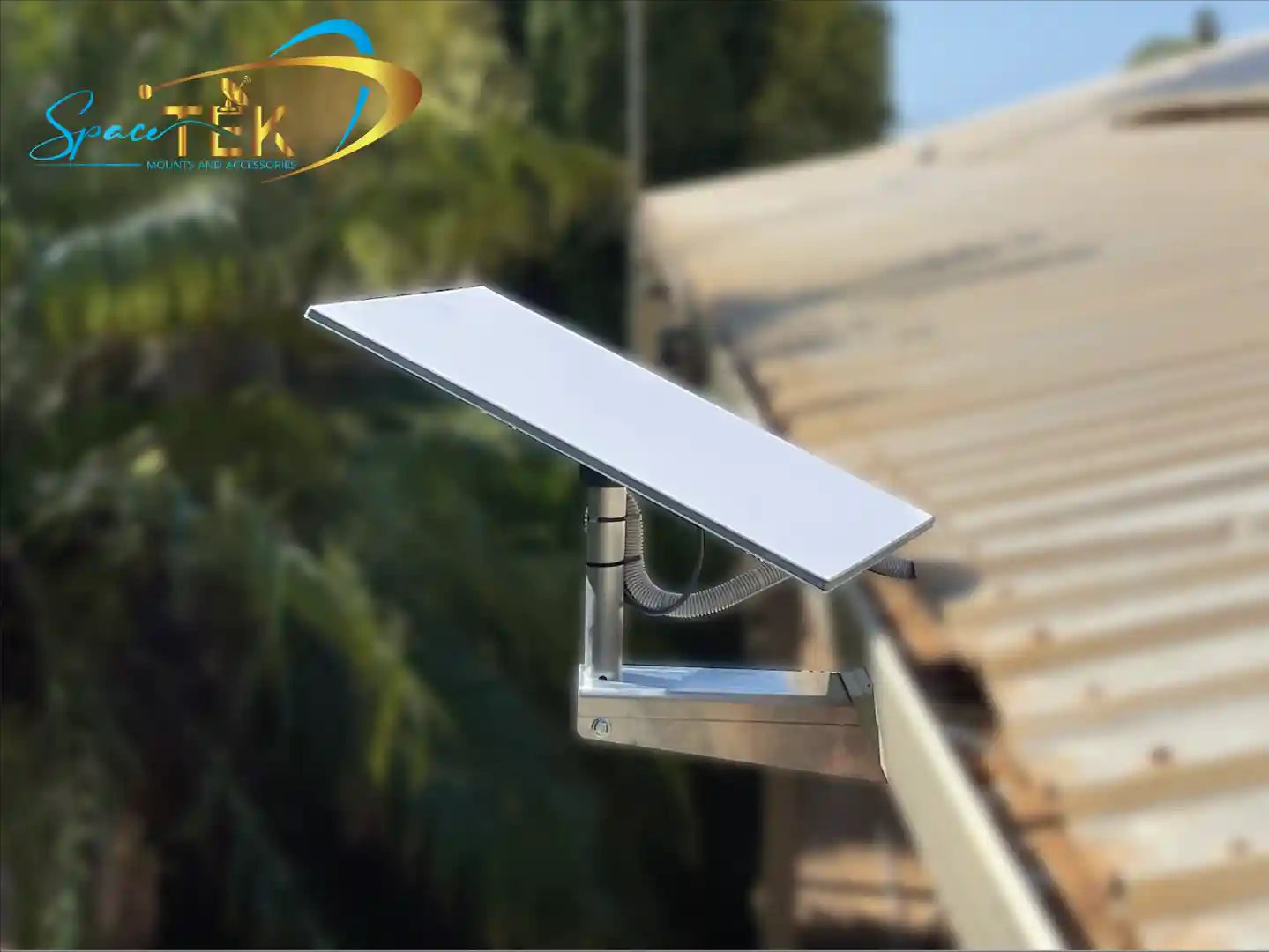
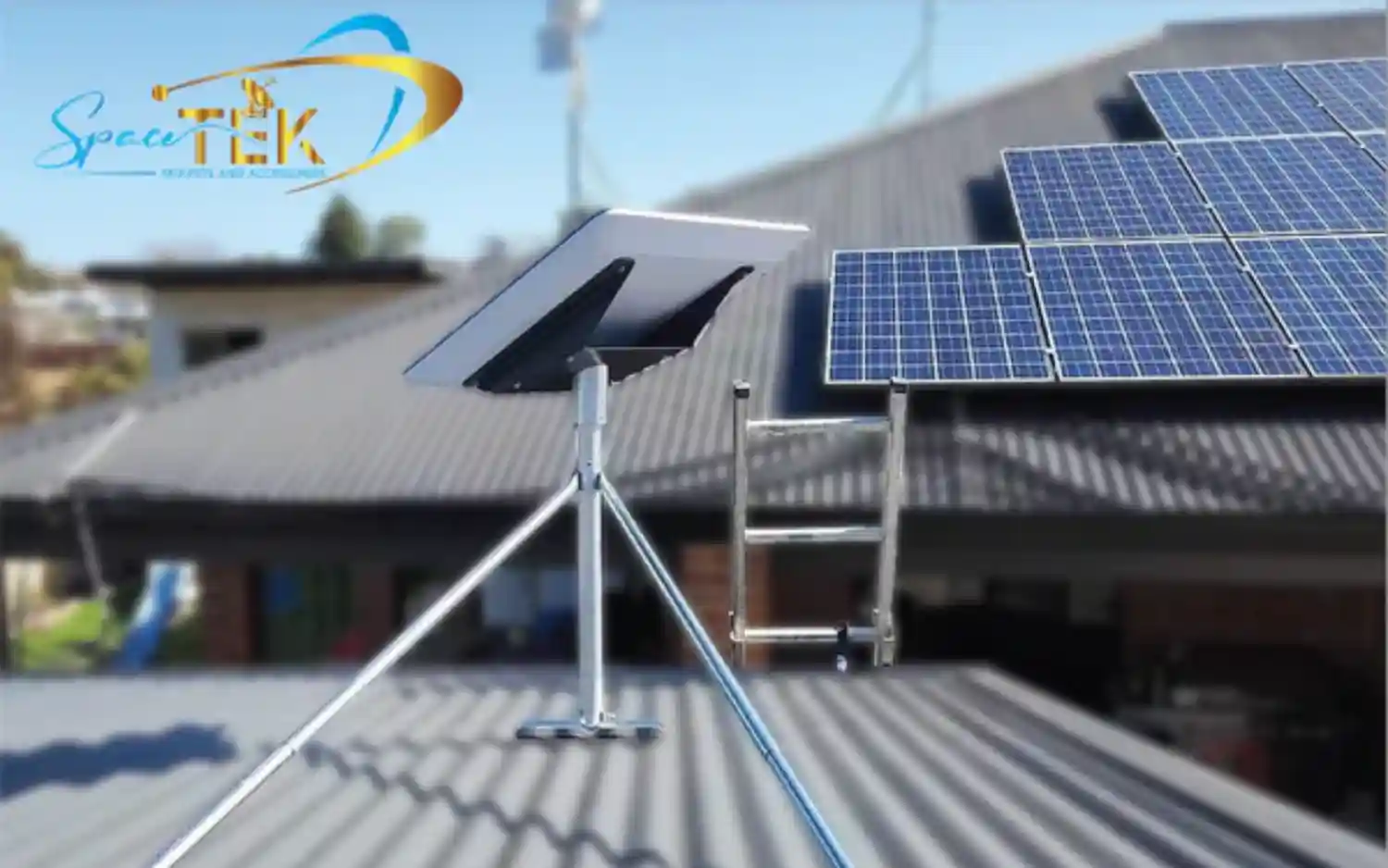
If you are setting up Starlink, correct hardware placement is just as important as your internal mesh design. Secure, rust-resistant mounts such as SpaceTek's Starlink wall and roof mounts and Starlink Mini and portable mounts help keep your dish stable in harsh Australian weather so your mesh network always starts with a strong, uninterrupted signal.
I am Aaron Wroblewski, and over 25 years working with remote communications systems, from HF radio to satellite networks, I have seen how mesh in network technology transforms connectivity for rural Australians. At SpaceTek, we help customers pair quality satellite mounting solutions with smart network strategies to achieve truly reliable whole-property coverage.
What is a Mesh Network and How Does It Work?
At its core, a mesh in network is a group of connectivity devices, such as Wi-Fi routers, that act as a single network, providing multiple sources of connectivity rather than just one. This decentralised structure allows each node to connect directly, dynamically, and non-hierarchically to as many other nodes as possible, cooperating to efficiently route data. Imagine a sprinkler system covering a wide lawn, with each sprinkler head ensuring thorough coverage, rather than a single garden hose struggling to reach every corner.
Traditionally, Wi-Fi networks operate on a star topology. Your devices connect to a single router, and the signal weakens significantly with distance or obstructions like walls and furniture. This often results in frustrating dead zones where internet access is patchy or non-existent.
In contrast, a mesh in network broadcasts from each point around your house or property. Mesh systems typically consist of a main router (often referred to as a gateway) that connects to your modem, and several satellite nodes (also called repeaters or endpoints) distributed throughout your space. All these points are wirelessly connected to each other, creating a unified network with a single name (SSID), so your devices seamlessly switch to the strongest signal as you move around.
The Technology Behind the Mesh: Dynamic Routing and Self-Healing
The core strength of a mesh in network lies in its intelligent data handling. Data transmission occurs through hopping from node to node until it reaches its destination. There are two primary methods for this:
- Flooding: each data packet is sent through every outgoing link except the one it arrived on. This is robust but can be inefficient.
- Routing: data packets bounce from node to node, with each node choosing the best route based on speed, latency, and security.
Modern mesh networks predominantly use sophisticated routing techniques, often incorporating dynamic routing. This means the network constantly monitors the best path for data transmission, considering node availability and traffic conditions. This capability also allows for efficient load balancing, distributing traffic through various paths to prevent congestion.
Self-healing is another key advantage. If a node breaks down or a connection becomes unreliable, the network automatically reconfigures itself, rerouting data through alternative paths. This fault tolerance helps maintain continuous connectivity, which is especially important when your primary link is a Starlink dish exposed to wind and weather.
Types of Mesh Networks
Mesh in network technology comes in various forms, each suited to different applications:
- Full mesh vs partial mesh: in a full mesh, every node is connected to every other node, offering maximum redundancy but higher cost and complexity. Partial mesh networks connect nodes selectively, balancing redundancy with practicality.
- Wired mesh vs wireless mesh: wired mesh networks use Ethernet cabling for node interconnections, providing high speed and stability. Wireless mesh networks (WMNs) use radio nodes not connected by wired connections, relying on radio signals to form the mesh.
- Hybrid mesh: combines both wired and wireless elements, leveraging the strengths of each.
- Infrastructure mesh architecture: often used to improve performance in computing systems without a centralised server.
- Client mesh architecture: where nodes serve as data transmission points, sending packets to other nodes.
Real-world applications for these networks are incredibly diverse. You will find them in:
- Home automation: smart devices like locks, lights, and sensors form mesh networks to collaborate and exchange information.
- IoT (Internet of Things): connecting devices in smart agriculture, environmental monitoring, and remote asset tracking.
- Smart cities: monitoring public works such as power and water supply and providing widespread public Wi-Fi. Some communities in Australia and overseas are exploring municipal mesh networks to distribute broadband access, as mapped by projects like those detailed in municipal networks.
For SpaceTek customers using Starlink on rural properties, remote worksites, or caravans, a robust mesh in network is vital for extending high-speed internet beyond the single room where the router sits. Once your dish is correctly mounted using hardware such as Starlink Gen 3 / V4 Mounts and Accessories or Starlink Gen 2 kits and adaptors, a well-designed mesh system helps you make full use of that connection across your home, shed, and outdoor areas.
The Pros and Cons of Using a Mesh in Network
Like any technology, mesh in network systems offer compelling advantages but also come with certain considerations.
Advantages: Why Choose a Mesh System?
- Superior coverage: mesh Wi-Fi can provide extensive coverage, with many systems offering around 3,000 square feet per satellite and covering large homes up to 6,000 square feet or more. This helps eliminate dead zones and keeps a strong signal across your entire property, which is ideal for sprawling Australian homes or rural setups.
- Reliability and speed: with multiple pathways for data and self-healing capabilities, mesh networks often deliver more stable performance than a single router. Seamless handoff between nodes means fewer dropouts as you move around.
- Scalability: need more coverage to reach a new shed, granny flat, or office? Add another mesh node and extend the network without redesigning everything.
- Device capacity: some systems can connect up to roughly 200 smart home, gaming, and streaming devices, which is useful for busy households packed with sensors, cameras, and entertainment gear.
- Easy management: most mesh systems include intuitive mobile apps for setup and management, so you can adjust passwords, guest access, or parental controls without logging into a complex router interface.
When your primary connection is Starlink, these advantages are amplified. Once your dish is firmly fixed on a quality mount such as SpaceTek's roof mounts and poles, the mesh system helps ensure that strong incoming signal is shared evenly throughout your home and outdoor areas.
Disadvantages and Key Considerations for a Mesh in Network
- Cost: mesh systems usually have a higher upfront cost than a single router or basic range extenders. For many rural users, the improved reliability and coverage justify the investment, but it is worth budgeting for.
- Latency: each wireless hop between nodes adds a small amount of delay. Most home users will not notice this, but competitive gamers or those running latency-sensitive applications may prefer wiring key nodes with Ethernet where possible.
- Power consumption: every mesh node needs its own power source, so total power use is higher than a single-router setup.
- Placement strategy: achieving good performance demands thoughtful placement. Nodes need to be close enough to maintain strong links but spread out enough to widen coverage. Avoid heavy obstructions like double-brick walls, steel sheds, and large appliances.
On rural properties, it can help to think of the whole system end to end: a securely mounted Starlink dish using weather-resistant hardware such as Starlink Gen 2 mounts, Gen 3 and V4 mounts, or dedicated RV and portability mounts, feeding into a mesh layout that has been planned around your main living spaces and work areas.
Setup, Optimisation, and Conclusion
Setting up a mesh in network system is surprisingly straightforward, especially with modern app-driven configurations.
A Simple Guide to Setting Up Your Mesh in Network
- Connect your main router: connect your main mesh router (the gateway) to your internet modem or directly to your Starlink router, depending on your preferred setup. This node will be the primary connection point to your Starlink service.
- Place satellite nodes strategically: place your satellite nodes throughout your property, ensuring they are within range of each other and the main router. Aim for overlapping wireless coverage areas and avoid large metal objects, thick concrete walls, or enclosed cupboards. On larger rural blocks, consider a central main router with satellites positioned to reach sheds, workshops, and outdoor living areas.
- Configure via app: most mesh systems come with a dedicated mobile app that guides you through setup. You will create a single network name (SSID) and password, and the system will automatically configure the nodes to work together.
Optimising Placement for Services Like Starlink
For Starlink users, maximising both your satellite connection and your internal Wi-Fi distribution is essential. Your mesh network can only perform as well as the signal that reaches your router.
That is where quality mounting hardware comes in:
- Use robust Starlink Mounts to position your dish with a clear view of the sky and minimal obstructions.
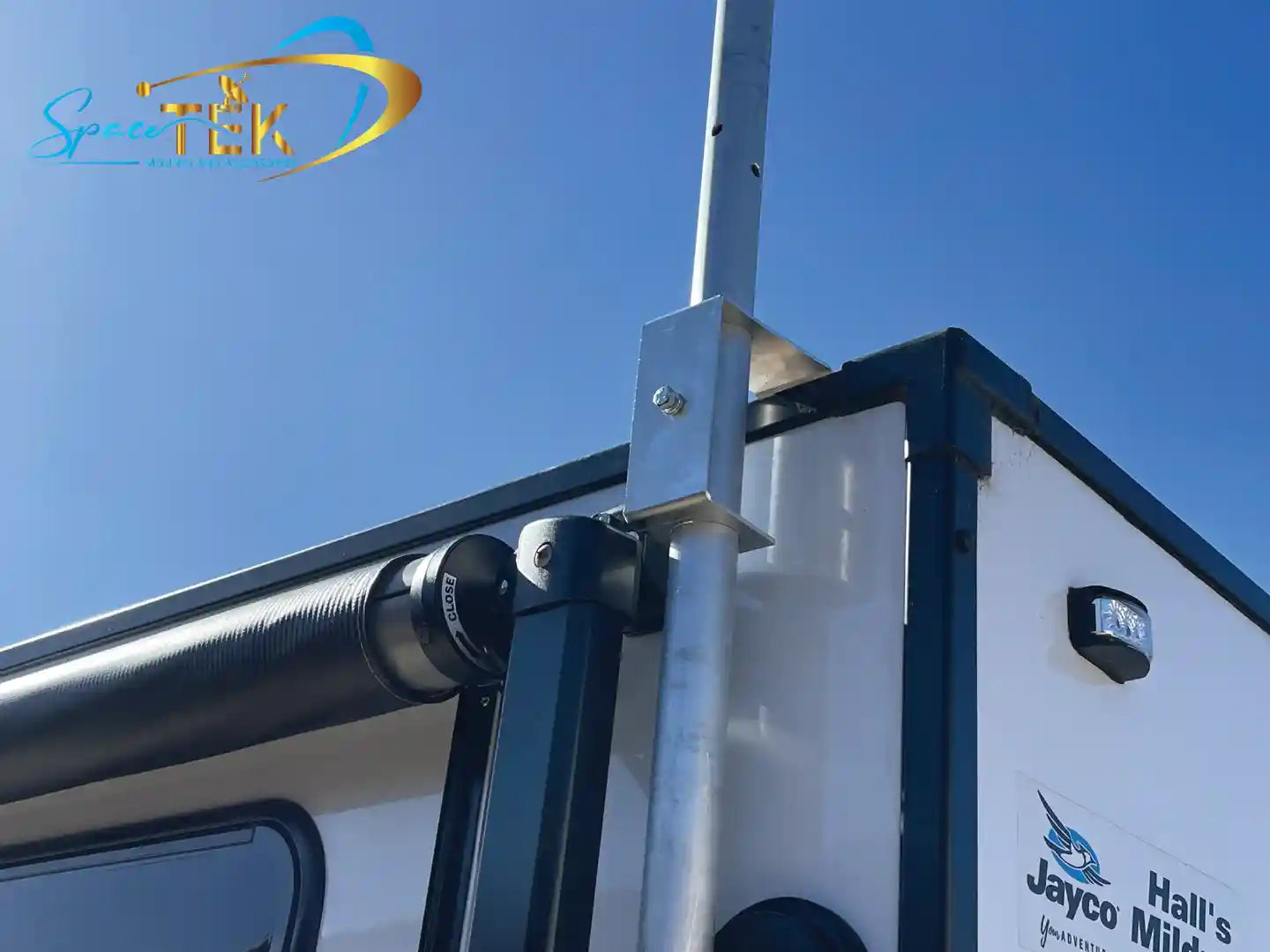
- For caravans, 4WD setups, and temporary sites, dedicated Starlink RV and Portability Mounts help keep the dish stable when you are on the move.
- If you are running newer hardware, purpose-built Starlink Gen 3 / V4 Mounts and Accessories and Starlink Gen 2 mounts and adaptors ensure compatibility with Starlink self-install kits while standing up to Australian conditions.
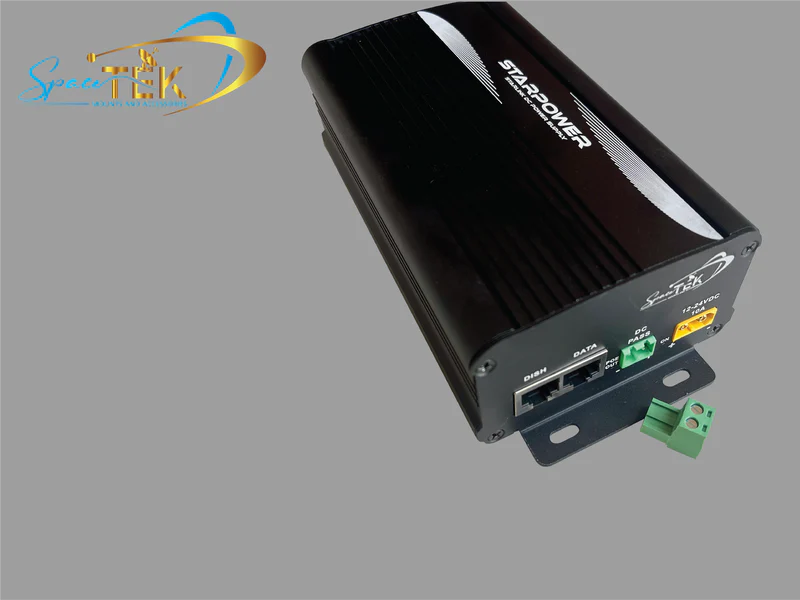
- For add-ons such as cable management, brackets, and adaptors, SpaceTek's broader range of Starlink accessories can help tidy and secure your installation so your mesh hardware has a clean, reliable feed.
Once your dish is mounted securely and your cabling is protected, fine-tune mesh node locations by testing speeds in different rooms and outdoor areas. A quick walk test with a speed test app will show you where coverage dips so you can shift nodes slightly and remove weak spots.
Conclusion: Achieving Seamless Connectivity
Mesh in network technology is a powerful way to remove Wi-Fi dead zones and keep your whole property online, especially across large Australian blocks and remote sites. By combining dynamic routing, self-healing paths, and well-placed nodes, a mesh setup can deliver consistent performance where a single router falls short.
To get the most from any mesh system, your Starlink dish needs to be rock solid, correctly aligned, and built to withstand harsh weather. SpaceTek Australia designs secure, rust-resistant mounts and accessories that work with Starlink self-install kits, helping you lock in a strong, stable signal before it ever reaches your Wi-Fi gear.
If you are planning a new Starlink and mesh installation or want to tighten up an existing setup, contact us for expert, Australia-based advice. The SpaceTek team can help you choose the right mounts and accessories for your location so your Starlink service and mesh network work together to keep you connected, wherever you are.

Leave a comment
This site is protected by hCaptcha and the hCaptcha Privacy Policy and Terms of Service apply.