
Why Every Australian Traveller Needs a Reliable Router
Routers for travel are compact devices that create a private, secure Wi-Fi network for all your gadgets, wherever you are. Think of it as taking your home network on the road, whether you're in a caravan park, deep in the outback, or at a beachside Airbnb.
Quick Answer: Best Travel Routers for Australians
- 12 V Caravan Router – WiFi 6, USB tethering, solar-friendly for grey nomads
- Outback Rugged Router – Metal chassis, wide temperature range, high-gain antennas
- Pocket LTE Gateway – Built-in SIM slot, fail-over, load balancing for remote areas
A travel router solves common frustrations like juggling multiple logins on public Wi-Fi, bypassing annoying captive portals, and getting your Chromecast to work in a hotel. More importantly, it provides a serious security upgrade. By routing all your devices through a single, encrypted connection—often with built-in VPN support—it shields your data from hackers on insecure public networks.
For travellers in remote Australia, these routers offer multi-WAN capabilities, allowing you to combine hotel Wi-Fi, mobile data, and even a satellite internet connection into one seamless network with automatic fail-over. Many run on 12-volt DC power, making them perfect for caravans and 4WDs. At SpaceTek, we specialise in the rugged mounting solutions and power accessories that pair perfectly with these routers and satellite dishes, ensuring you stay connected no matter how far you roam.
Why Travellers Need Their Own Router
Picture this: you arrive at a caravan park and have to log every single device—phone, laptop, tablet—onto the slow, restrictive campground Wi-Fi, only to find your Chromecast won't connect. This is exactly why routers for travel are essential for modern Aussie travellers.
A travel router creates one consistent private network. You log the router into the public Wi-Fi once, and all your devices connect automatically. It bypasses frustrating hotel WiFi limits, constant device re-logins, and the streaming blocks that stop media players from working. When paired with Starlink Portable: Your Ticket to Wi-Fi Anywhere, it distributes high-speed internet throughout your entire setup. Many routers also offer multi-WAN (combining internet sources) and run on 12-volt power, making them solar-friendly and perfect for off-grid life.
Security first, especially on public hotspots
Public Wi-Fi is a playground for hackers using man-in-the-middle attacks to steal data. A travel router is your personal firewall. With built-in support for OpenVPN and WireGuard, you configure a VPN once on the router, and every connected device is automatically protected—no extra apps needed. Features like encrypted DNS add another layer of VPN privacy, preventing snooping on your browsing activity. As highlighted in the Latest research on travel-router safety, this creates a secure bubble for your personal information, which is essential when you're on the road.
The Best Routers for Travel in Australia
Choosing the right routers for travel in Australia means prioritising portability, dual-band WiFi 6, versatile DC power options, and a rugged build. Whether you're a weekend warrior or a full-time nomad, there's a router that fits your adventure.
12 V Caravan Router – the all-rounder
Ideal for most caravanners, a 12-volt router plugs directly into your vehicle's electrical system, making it incredibly solar-friendly. Modern WiFi 6 technology handles multiple devices streaming and working at once, while USB tethering provides an instant backup connection via your phone. A guest network is also great for sharing your connection without compromising security.
Outback Rugged Router – built for red-dust & heat
For harsh environments, you need a router that's as tough as your 4WD. An outback rugged router features a metal chassis for protection and heat dissipation, a wide temp-range for extreme heat, and high-gain-antennas to pull in weak signals. These robust routers for travel are a perfect match for our rugged mounting kits, engineered for the same tough Australian conditions.
Pocket LTE Gateway – when there’s no campground Wi-Fi
For ultimate portability where no other Wi-Fi exists, a pocket LTE gateway is your answer. With a built-in SIM slot, it turns a mobile signal into a personal Wi-Fi hotspot. Key features include fail-over (automatically switching to cellular if your main internet drops) and load-balancing (combining sources to boost speed). Its internal battery makes it perfect for day trips or as a reliable backup.

Setting Up Your Travel Router with Satellite Internet
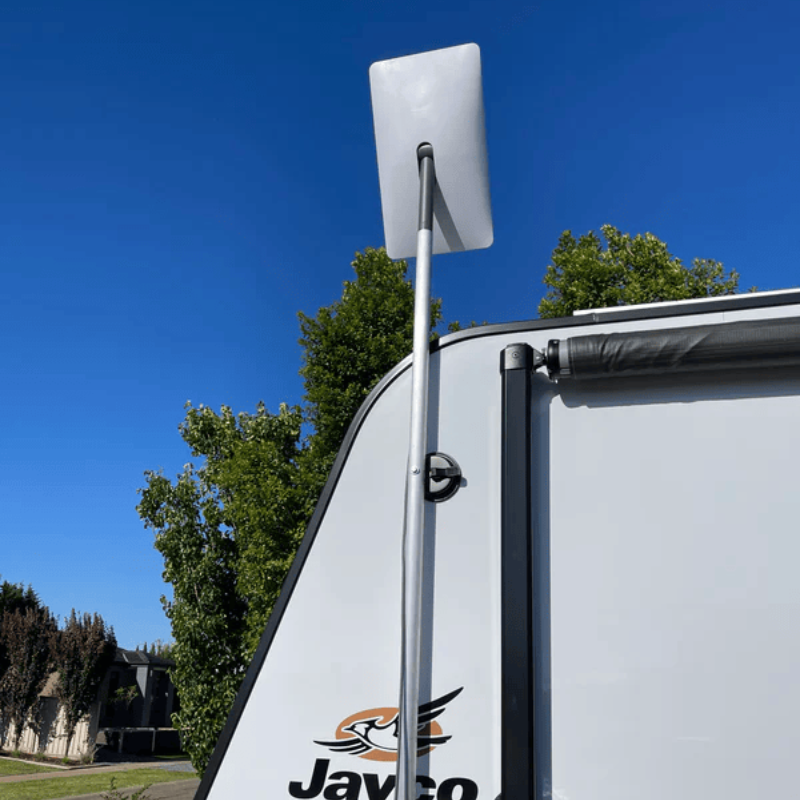
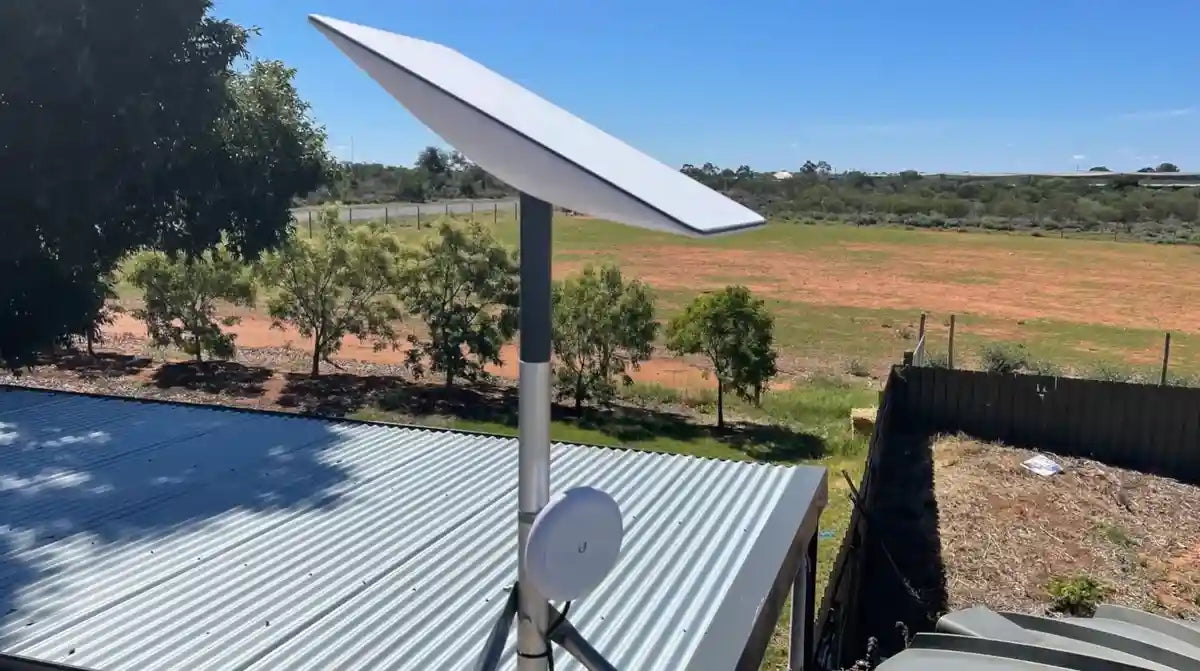
Pairing routers for travel with a high-speed satellite service opens up unparalleled connectivity in remote Australia. Once your dish is securely installed—and our Starlink RV Mounts: What to Consider When You're Always on the Move are designed for exactly that—integrating your router is simple. You'll need an Ethernet adapter, which connects your dish to your travel router's WAN port. Your router then becomes the command centre, managing your network, security, and all connected devices.
Quick-start checklist
To ensure a smooth setup, follow these quick steps. First, perform a firmware update on your travel router at home for the latest features and security patches. After connecting the hardware, enable your router's captive portal helper to easily log into public Wi-Fi networks when needed. For ultimate security, configure your VPN (like WireGuard or OpenVPN) directly on the router. This protects every device on your network without needing separate apps.
Optimising for remote communities
When sharing your connection, a travel router is invaluable for managing satellite internet for remote communities. You can create a shared SSID (network name) for easy access and use bandwidth management (QoS) features to ensure fair usage. This prevents one person's large download from slowing down everyone else, making for a better experience for the whole group. A stable connection relies on a well-placed dish, and SpaceTek's mounts ensure your satellite dish stays secure and performs optimally in any Australian environment.
Powering Your Router Off-Grid
When you're off-grid, reliable power is key. Most routers for travel are designed to run directly from 12-volt DC sources, making them a natural fit for caravans and 4WDs. This avoids the need for bulky, inefficient 240V inverters and allows them to be wired straight into your vehicle's house battery system. With a low power draw (typically 5-15 watts), they are incredibly efficient and won't drain your batteries.
This efficiency makes them ideal for solar integration. A small solar panel can easily power a travel router all day, creating a self-sustaining internet hub. Many newer models also support USB-C Power Delivery (PD), allowing you to run them from power banks for even greater flexibility.
Safe wiring & keeping things tidy
Proper installation is crucial for reliability on rough Australian roads. Always wire your router through a correctly sized fuse in your fuse box for protection. For the cleanest power, a voltage regulator can smooth out fluctuations from your vehicle's electrical system, just as our StarPower 12V/24V DC supply does for your satellite dish. Use mount brackets or Velcro to secure the router in a ventilated area, and use cable clips and ties for tidy cable management. A neat, secure setup prevents connection issues caused by vibrations and keeps your system safe.
Frequently Asked Questions about Travel Networking
Do travel routers replace my phone hotspot?
While a phone hotspot is handy for quick, simple tasks, a dedicated router for travel is a far more powerful solution. It provides a stronger Wi-Fi signal, supports more devices, offers Ethernet ports for wired stability, and adds a crucial layer of security with built-in VPN support that protects your entire network. Its multi-WAN capability also allows it to combine different internet sources (like campground Wi-Fi and cellular) for better reliability.
Will a router for travel work with satellite internet while driving?
Yes, your travel router will work perfectly inside a moving vehicle. However, your internet connection depends on your satellite internet plan. Standard satellite plans require the dish to be stationary. To use satellite internet while in motion, you need a dedicated (and more expensive) in-motion plan and a compatible in-motion dish. For most travellers, the common setup is to use the satellite connection when parked and rely on cellular data via the router while driving.
How much data does a router itself use?
Virtually none. A travel router is like a traffic controller—it directs data but doesn't consume it. Its own operational data usage is tiny, usually just a few megabytes per month for things like firmware checks. All significant data consumption comes from your devices streaming, browsing, and downloading. You can leave your router on 24/7 without worrying about it eating into your data allowance.
Stay Connected, No Matter Where You Are
Exploring Australia's vast landscapes no longer means being disconnected. A quality router for travel, especially when paired with a robust satellite internet setup, creates a seamless, secure, and reliable internet connection that follows you on your adventures. It's the key to eliminating public Wi-Fi hassles and protecting your data on the road.
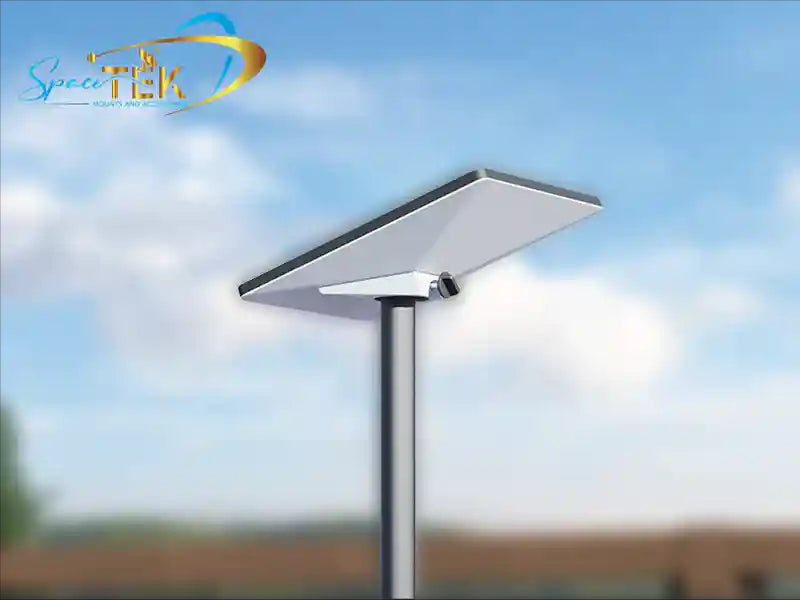
At SpaceTek Australia, we know that a great mobile internet system starts with a solid foundation. Your satellite dish needs to be securely mounted to withstand Australian conditions for optimal performance and longevity. We specialise in high-quality, rust-resistant satellite dish mounts compatible with a wide range of popular systems. Our mounts are engineered to handle everything from coastal salt spray to outback dust, ensuring your investment is protected and your connection stays locked in.
A properly installed dish allows your travel router to do its job best: distributing fast, reliable internet to all your devices. For expert advice on building a connectivity setup that matches your travel style, contact our team for personalised advice. We're here to help you stay online, no matter how far you roam.

Leave a comment
This site is protected by hCaptcha and the hCaptcha Privacy Policy and Terms of Service apply.