
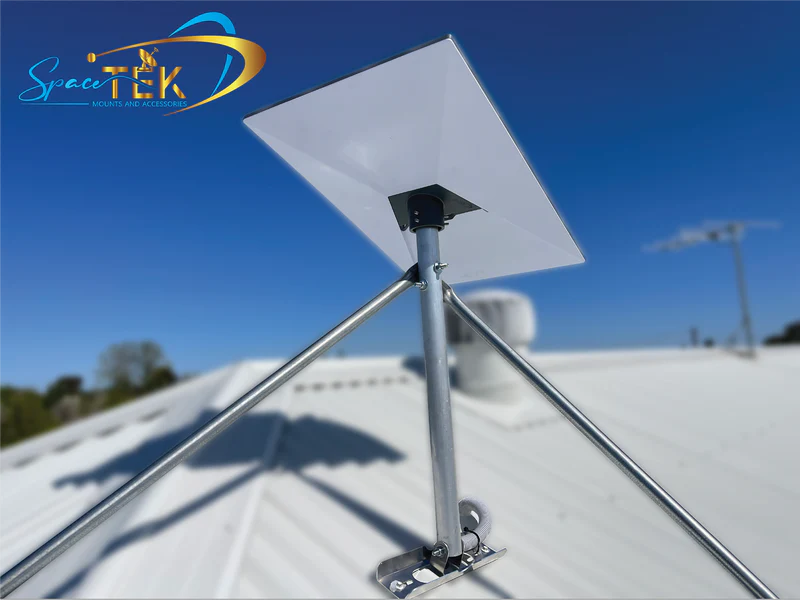
Understanding Starlink's Hardware Evolution
New Zealand note: For most new NZ installs, the practical choice is usually around Starlink Standard/Gen 3, Starlink Mini, or High Performance depending on the site, power needs and mounting location. This guide helps compare the hardware generations and what they mean for accessories, cables and mounts.
The comparison of Starlink gen 1 vs gen 2 vs gen 3 reveals three distinct phases in SpaceX's satellite internet technology. Each generation has brought significant changes in design, performance, and user experience. As a local provider of Starlink mounting solutions and accessories, SpaceTek has been at the forefront of this evolution, helping thousands of New Zealands get the most out of their satellite internet. This guide breaks down the key differences between the generations to help you understand the hardware you have, or the hardware you're considering. Here’s a quick overview of what sets them apart:
| Feature | Gen 1 | Gen 2 | Gen 3 |
|---|---|---|---|
| Dish Shape | Round | Rectangular | Rectangular |
| Alignment | Self-aligning motors | Self-aligning motors | Manual via app |
| Router Wi-Fi | Wi-Fi 5 | Wi-Fi 5 | Wi-Fi 6 |
| Ethernet Ports | Via adapter | Via adapter | 2 built-in |
| Cable Connection | Proprietary | Proprietary | Standard RJ45 |
| Coverage Area | ~2,000 sq ft | ~2,000 sq ft | ~3,200 sq ft |
Starlink's hardware has evolved from the original round Gen 1 dish to the streamlined rectangular Gen 3. Key upgrades include the move from self-aligning motors to a simpler manual alignment, a major router boost to Wi-Fi 6, and the welcome addition of built-in Ethernet ports and standard RJ45 cables in the latest generation.
For New Zealands, particularly those in rural and remote areas, these improvements are significant. Gen 3 offers better reliability, improved portability, and simpler installation. As founder of SpaceTek, I've seen how each generation has improved durability in New Zealand conditions. Understanding these differences is key to choosing the right setup for your home, farm, or mobile needs.
A Deep Dive into Starlink Gen 1 vs Gen 2 vs Gen 3
Physical Design and Portability
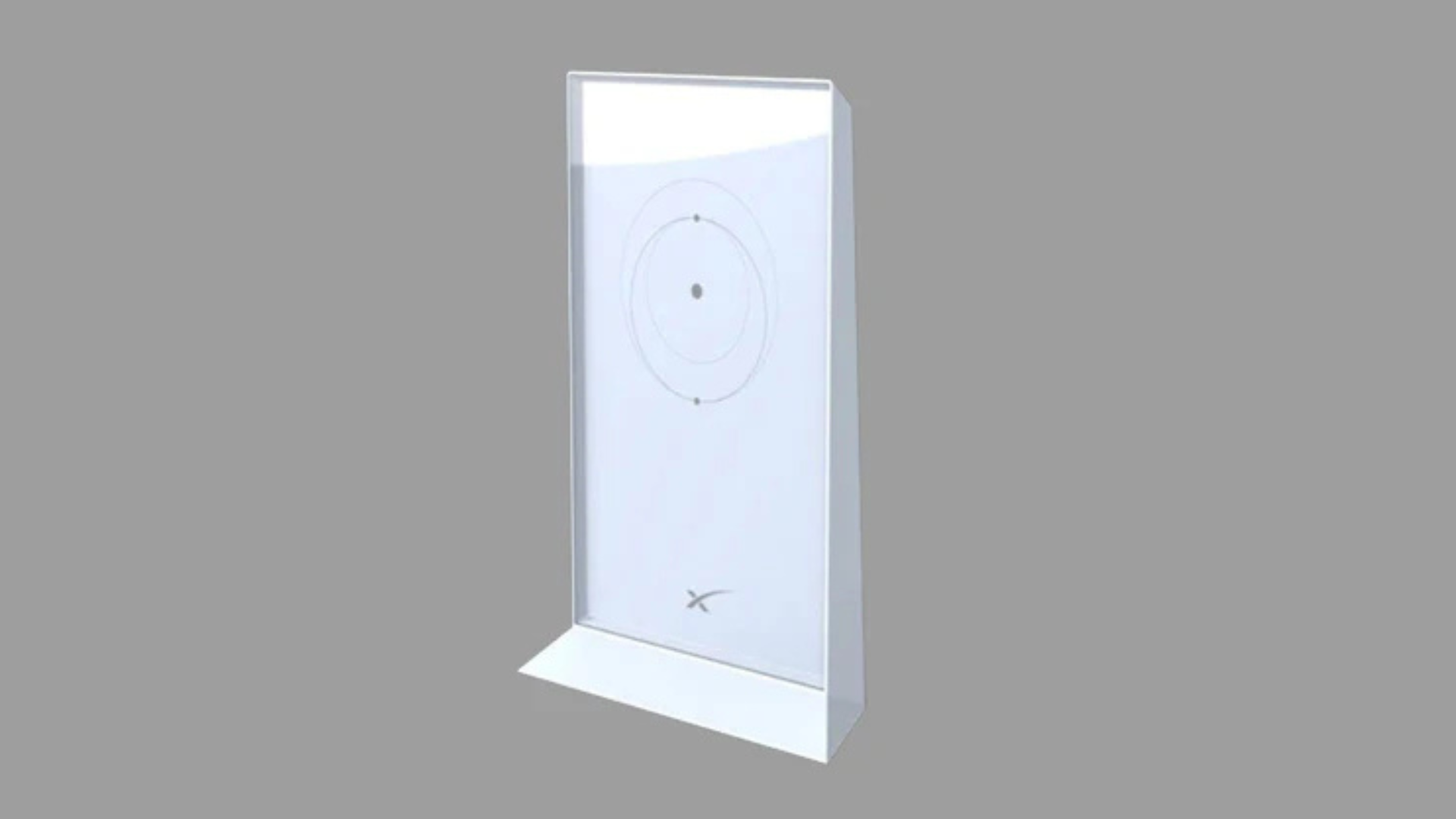
The physical evolution from the round Gen 1 dish to the rectangular Gen 2 and Gen 3 models shows a clear refinement in design. While slightly larger than Gen 2, the Gen 3 antenna is lighter at just 2.9 kg (3.2 kg with its kickstand).
This integrated kickstand is a clever change, replacing the built-in mounting pole of previous generations. It makes the Gen 3 dish genuinely portable, allowing for quick setup on any flat surface. However, for true on-the-go reliability, especially on vehicles or boats, a specialised portability mount is essential. SpaceTek's range of RV and Portability Mounts are engineered to secure the dish during travel and provide a stable platform for deployment, ensuring you can get online quickly and securely wherever you stop.

Setup and Installation: Motors vs. Manual Alignment
A major difference in the Starlink gen 1 vs gen 2 vs gen 3 comparison is the alignment method. Gen 1 and Gen 2 dishes featured built-in motors that automatically aimed the dish. While effective, these moving parts added weight and potential points of failure.
Gen 3 eliminates the motors entirely. Instead, it uses a wider 110-degree field of view and relies on manual alignment guided by the Starlink app. The dish can electronically steer its beam, so it doesn't need to physically move once positioned. The app's obstruction scanner makes finding a clear view of the sky simple. This motorless design means fewer components that can wear out, faster boot times, and increased long-term reliability. For a detailed walkthrough of the new hardware, check out our Beginners Guide to Starlink Gen 3.
Performance and Connectivity: A Starlink Gen 1 vs Gen 2 vs Gen 3 Breakdown
Gen 3 delivers substantial upgrades in performance and connectivity.
- Wi-Fi 6: The Gen 3 router features Wi-Fi 6, a huge leap from the Wi-Fi 5 in previous generations. It offers faster speeds and expands coverage to ~3,200 sq ft.
- Built-in Ethernet Ports: The Gen 3 router includes two Ethernet LAN ports, a significant convenience for users who prefer a wired connection, as previous generations required a separate adapter.
- Standard Cables: Gen 3 uses industry-standard RJ45 connectors, replacing the proprietary cables of earlier models. This makes replacing or extending cables far easier.
- Weather Resistance: The Gen 3 dish has an IP67 rating for dust and water protection. Combined with a more powerful antenna, it offers a reliability advantage in harsh weather.
These improvements create a more robust and user-friendly system. To get the most out of your setup, check out The Ultimate Guide to Starlink Gen 3 Compatible Accessories.
Power Consumption and Use Cases
Power consumption is a critical factor, especially for mobile and off-grid users.
| Feature | Gen 1 (Round) | Gen 2 (Actuated) | Gen 3 (Standard) |
|---|---|---|---|
| Avg. Power Use | ~75-100W | ~90W (modifiable to ~30W) | ~60-90W (often ~55W) |
| Best For | Legacy residential | Residential, Budget mobile | New residential, Demanding conditions |
While Gen 3 is more efficient out of the box, the Gen 2 dish remains a favourite within the RV and off-grid community. This is because it can be modified to run directly from a 12V DC power source, drastically reducing its power consumption to as low as 30W. This modification makes it exceptionally well-suited for extended periods away from mains power. For residential users, the modern features and efficiency of Gen 3 make it the clear choice. For serious travellers, a modified Gen 2 system, paired with a robust SpaceTek travel mount, offers an unbeatable combination of performance and low power draw. Learn more in our guide, Powering Starlink Directly From DC: Your Ultimate Guide.
Choosing Your Hardware and Getting the Best Performance
Should You Upgrade Your Existing Starlink?
If your Gen 1 or Gen 2 system is working well, there's no urgent need to upgrade. However, an upgrade to Gen 3 makes sense in several scenarios:
- Hardware Failure: Since older kits are no longer sold, a failed dish means moving to Gen 3, giving you an opportunity to benefit from the latest tech.
- Better Wi-Fi and Connectivity: The Gen 3 router's Wi-Fi 6 provides faster speeds and wider coverage (~3,200 sq ft vs. ~2,000 sq ft). The two built-in Ethernet ports also provide direct wired connectivity, a feature that required purchasing a separate adapter with older models.
- Coverage Gaps: If you have Wi-Fi dead zones, the more powerful Gen 3 router can help. For larger properties, creating a mesh network with compatible nodes can extend coverage even further. Our guide on Starlink Mesh vs Third-Party: Which Reigns Supreme? explores the best options for expanding your home network.
- Future-Proofing: As Gen 2 accessories are phased out, upgrading to Gen 3 ensures better access to compatible parts. The standard RJ45 cable also simplifies future modifications.
- Portability Needs: For RV or caravan use, the lighter Gen 3 dish offers a more streamlined setup compared to the original Gen 1.
If you're experiencing frustrations with speed, coverage, or connectivity, Gen 3 offers meaningful improvements to your daily internet experience.
The Importance of a Secure Mount for Your Starlink Gen 1 vs Gen 2 vs Gen 3 Dish
No matter which generation you own—Starlink gen 1 vs gen 2 vs gen 3—the quality of your mount is just as important as the dish itself. A robust, properly installed mount is the foundation of reliable internet, protecting your investment and ensuring consistent performance.
In New Zealand's uniquely harsh environment, a secure mount is non-negotiable. Your Starlink dish is a precision instrument, and even fractional movements caused by wind can lead to connection dropouts. At SpaceTek, we don't just sell mounts; we engineer solutions specifically for New Zealand conditions. From the corrosive salt spray of our coastlines to the cyclonic winds in the north and the relentless dust of the remote area, our mounts are built to endure. We use high-grade, corrosion-resistant materials like marine-grade aluminium and 316 stainless steel to guarantee that your installation won't just survive, but thrive for years without succumbing to rust or degradation. A SpaceTek mount ensures your dish remains perfectly aligned, providing the stable foundation needed for consistent, high-speed internet and protecting your valuable hardware investment.
While the Gen 3's included kickstand is convenient for a quick, temporary setup on a flat surface, it is not a solution for permanent or long-term installation. It lacks the security to withstand strong winds or adverse weather. A dedicated mounting solution from SpaceTek is crucial for reliability. A well-designed mount does more than just hold the dish; it gives you the freedom to install it in the optimal location for a clear, unobstructed view of the sky, away from trees, buildings, or other potential interference. Whether you need a sleek roof mount for your home, a versatile wall mount, or a specialised pole adapter, our products are designed for easy integration with the Starlink hardware, making a professional-grade, secure installation achievable for any DIY enthusiast. For more details on upgrading, see our article on Gen 2 vs Gen 3: What mount upgraders need to know.
We offer specialised solutions for every generation. Gen 2 users can explore SpaceTek's 5 Mounts for Gen 2 Standard Actuated, while Gen 3 owners can browse our latest Gen 3 Mounts and Accessories.
The journey from Starlink gen 1 vs gen 2 vs gen 3 represents genuine progress. While older systems still perform well, Gen 3 represents a significant step forward, pushing the boundaries with faster Wi-Fi and improved resilience. What hasn't changed is that correct installation with a quality mount is essential for performance and longevity. At SpaceTek, we provide the most secure, rust-resistant, and user-friendly Starlink mounts in New Zealand, engineered for our unique environment to keep you reliably connected.
Whether you're deciding between generations, planning an upgrade, or ensuring your current system is properly mounted, we're here to help. Get in touch with our experts and let's make sure you stay connected, no matter where your New Zealand adventures take you.


Leave a comment
This site is protected by hCaptcha and the hCaptcha Privacy Policy and Terms of Service apply.