
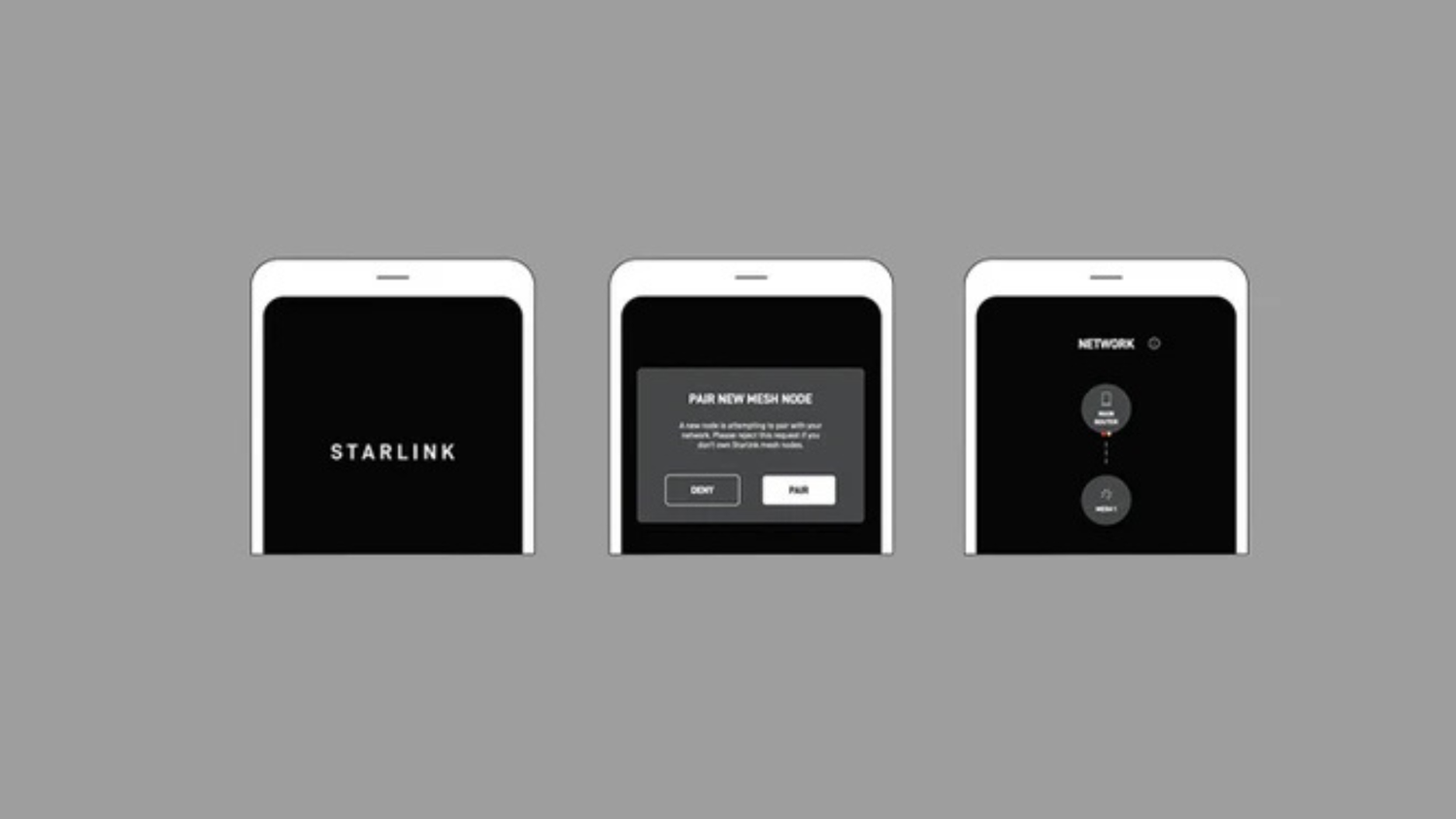
Why Your Single Router Isn't Cutting It
Even with a fast internet plan, one router rarely covers a whole home. Walls, floors and distance cause weak signals, dead zones and dropouts. This is amplified in larger homes and when many devices compete for bandwidth. The frustration of buffering videos, dropped calls, and slow downloads is a common experience in Australian households.
Seamless whole home WiFi fixes this by creating a single, robust network across your property. Benefits include:
- One unified network: a single Wi‑Fi name and password throughout the home, simplifying connectivity.
- No more dead zones: multiple access points work together to fill gaps, extending coverage to every corner.
- Smart connections: devices automatically roam to the strongest signal, ensuring uninterrupted performance.
I'm Aaron Wroblewski, founder of SpaceTek. After 25 years in IT and remote communications, I’ve seen how pivotal seamless whole home WiFi is for reliable work, study and entertainment across Australia. Our mission at SpaceTek is to ensure every Australian home and business can achieve this optimal connectivity.
Achieving Seamless Whole Home WiFi with Mesh Technology
Mesh Wi‑Fi replaces a single router with a main unit (connected to your modem) and satellite nodes placed around your home. Unlike traditional extenders, these nodes communicate with each other to create one large, intelligent, and seamless whole home WiFi network. The result is consistent speeds and fewer dropouts for working, streaming, and gaming, even in large or multi-storey properties.
How Mesh Delivers a Seamless Connection
A good mesh system runs as a single network (one SSID). As you move through your home, your device intelligently hands off to the nearest node without lag or interruption. This avoids the speed loss and clunky network switching common with basic extenders, providing a truly uninterrupted experience. For satellite users, see our guide to everything you need to know about Starlink mesh WiFi.
Key Features and Optimal Setup
- Choose Wi‑Fi 6 (802.11ax) or newer standards like Wi-Fi 6E or Wi-Fi 7 for higher speeds, increased capacity, and better performance in congested environments.
- Opt for tri‑band systems with a dedicated backhaul. This crucial feature ensures node‑to‑node traffic doesn’t slow your devices, maintaining peak performance. More in the Wi‑Fi CERTIFIED EasyMesh Technology Overview (2024).
- Place the main unit centrally; space nodes 8–15 metres apart with a clear line of sight where possible. Avoid thick walls, large metal appliances, and enclosed cupboards, as these can significantly impede signal strength.
- In multi‑storey homes, strategically position nodes on different floors to build robust vertical coverage and eliminate dead spots between levels.
- Use the system’s app to confirm signal strength and fine‑tune placement. Many modern mesh systems also offer advanced security features and intuitive mobile apps for easy setup and management. For extra reach, see our tips on how to set up a Starlink WiFi extender.
The Future of Connectivity and Getting Started
Wi‑Fi 7 (802.11be) is here, bringing Multi‑Link Operation (MLO) to intelligently use 2.4 GHz, 5 GHz, and 6 GHz bands simultaneously. Expect unprecedented faster speeds, significantly lower latency, and greater reliability—making it ideal for emerging technologies like AR/VR, cloud gaming, and high‑bitrate 4K/8K streaming. This ensures your network is ready for the increasing demands of smart homes and ultra-high-definition content. Technologies like beamforming continue to improve signal focus and efficiency, directing Wi-Fi energy precisely where it's needed; learn more about beamforming fundamentals.
Choosing the Right Mesh for Your Satellite System
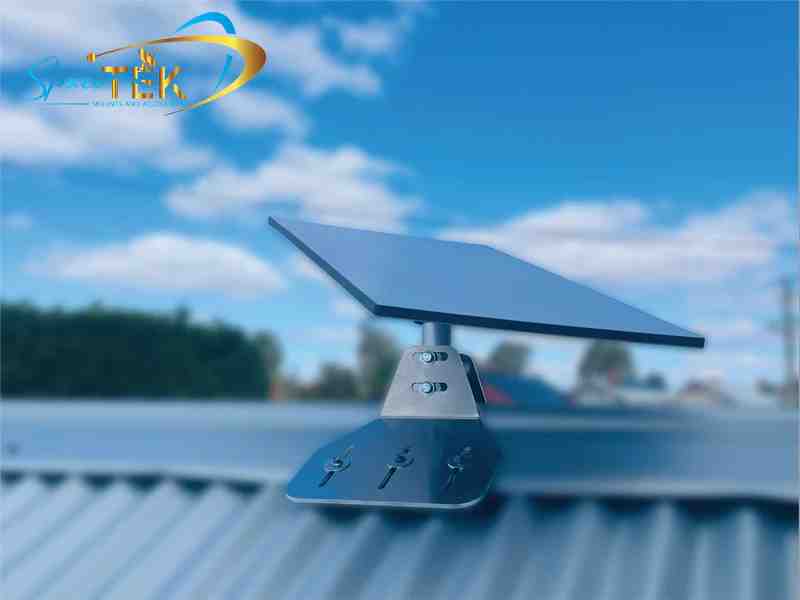
Satellite internet users, particularly those in remote or regional areas, benefit immensely from a well-implemented mesh system. To unlock the full potential of your service, many prefer third-party systems for their wider array of advanced features, greater customisation options, and improved security protocols, giving users more control and flexibility over their network. For a detailed comparison, see our guide on Starlink mesh vs third party. Crucially, before tuning your Wi‑Fi, ensure your satellite dish is mounted correctly: a stable, weather‑resistant installation is the absolute foundation for reliable connectivity. For specific Gen 3 considerations, see our Starlink Gen 3 guide, and for comprehensive system choices, explore our recommendations for the best mesh systems for Starlink users.

Residential and Small Business Solutions
- Ideal for most residential homes and small businesses. Combine a centrally placed satellite dish with a powerful tri‑band mesh system to effectively remove dead zones and ensure consistent connectivity. Our durable mounts are designed to withstand harsh Australian elements, providing a stable foundation for your home network.
- Choose robust roof or wall mounts made from corrosion‑resistant materials like marine-grade aluminium and stainless hardware. Built to handle Australian weather conditions.
- Works cleanly with self‑install kits, allowing for straightforward installation. For extender options and further optimisation, see our guide on setting up a Starlink WiFi extender.
High-Performance and Heavy-Duty Setups
- For users demanding maximum performance and stability, especially with larger satellite dishes. A very secure mounting is critical to maintain signal integrity in high winds and adverse weather. Pairing your dish with a SpaceTek heavy-duty mount guarantees maximum signal integrity and longevity.
- Look for heavy‑duty, rust‑resistant mounts using premium aluminium and carbon fibre components where applicable, designed for superior stability and longevity.
- Mesh with Wi‑Fi 6/7 and a dedicated backhaul helps you fully realise your system’s improved capacity and speed. See our Gen 3 tips for maximising coverage and our Starlink mesh vs third‑party comparison when choosing your system.
Portable and Mobile Solutions: RVs, Caravans, and Travel
- Perfect for travellers, campers, and those with mobile needs (RVs, caravans, utes, marine). Prioritise quick‑release, low‑profile mounts that lock firmly yet pack away fast. SpaceTek's specialised mounts offer quick deployment and secure stowage, perfect for the adventurous Australian lifestyle.
- Road vibration, constant movement, and salt air demand weather‑sealed, rust‑resistant hardware. Use lightweight mounts engineered for portability, with high‑quality aluminium and carbon fibre to keep weight down and durability high.
- A small two‑ or three‑node mesh can effectively cover a caravan, van, tiny home, or studio. See our overview of Starlink mesh WiFi to plan optimal node placement and check our best mesh systems for Starlink users for product selection help.
Your Ultimate Guide to Seamless Whole Home WiFi
Seamless whole home WiFi removes buffering and dropouts only when the outside link is rock‑solid. A robust, weather-resistant mount is the critical first step, ensuring your satellite dish maintains an uninterrupted connection to the satellites. A well‑planned mesh then takes it the rest of the way, distributing that strong signal throughout your property. At SpaceTek Australia, we engineer mounts to handle local conditions—secure, rust‑resistant, and user‑friendly—using high‑quality materials like marine-grade aluminium and carbon fibre where appropriate. For custom advice on mounting and mesh selection, get in touch with our team.


Leave a comment
This site is protected by hCaptcha and the hCaptcha Privacy Policy and Terms of Service apply.