
Why Starlink Dish Angles Matter for Your Connection
New Zealand note: There is no single fixed Starlink dish angle for every NZ property. The correct direction and tilt depend on your location and the Starlink app, while the real-world goal is to keep the dish clear of trees, rooflines and movement from wind or unstable mounting.
Starlink dish angles determine how effectively your dish communicates with the satellite constellation. Getting this right is the difference between seamless connectivity and frustrating dropouts.
Quick Answer: Optimal Starlink Angles for Australia
- Direction: Point south (for the Southern Hemisphere)
- Elevation: 35-50 degrees from the horizontal
- Field of View: A 100-110 degree unobstructed cone of sky
- Mounting Angle: Within 5-40 degrees of vertical (depending on the model)
- Key Tool: The Starlink app's obstruction scanner
Starlink uses thousands of Low Earth Orbit (LEO) satellites at just 550 km altitude, which move constantly across the sky. Unlike traditional satellite internet that locks onto a single geostationary satellite 36,000 km away, your Starlink dish needs a wide, clear view to track these moving targets.
The phased-array technology in your dish electronically steers its signal to track multiple satellites at once. This means the dish doesn't need to physically move after its initial setup, but it must be positioned correctly from the start.
For New Zealand users, our remote locations and harsh weather demand robust mounting solutions that maintain the correct angles year-round. Coastal salt air, intense UV, and powerful winds can compromise poorly installed systems.
With over 25 years in satellite communications across New Zealand, we've seen countless installations fail due to incorrect Starlink dish angles and poor mounting. This experience is why SpaceTek designs mounting solutions to address these challenges, ensuring your dish maintains optimal positioning in any conditions.
Optimising Angles for Your Starlink Model
While the core principles of alignment are universal, different Starlink models have specific requirements. Understanding your hardware is the first step to a perfect setup.
Why Correct Alignment is Crucial
Starlink's LEO satellites are constantly moving. Your dish uses advanced phased-array technology to electronically steer its beam across a wide field of view (typically 100-110 degrees, or up to 140 degrees for the Flat High Performance model) to track them. For background, see Low Earth orbit. However, this electronic steering only works if the dish is physically positioned to see the largest possible satellite path. Improper alignment leads to dropouts, reduced speeds, and 'Starlink Misaligned' warnings. You can learn more about how the system works in our Starlink Explained for First-Timers guide.
For all New Zealand users, the correct orientation is south. This provides the best access to the satellite constellation's orbital paths and avoids interference with geostationary satellites located over the equator. The ideal elevation is typically between 35 and 50 degrees from the horizontal.
Alignment for Motorised Dishes
Motorised dishes (like the Standard Actuated Gen 2) are designed to self-orient. When powered on, they automatically tilt to the optimal angle. However, for the motors to function correctly, the mount mast must be installed within 40 degrees of vertical. An insecure or improperly angled mount can cause the dish to drift or trigger a "Motors Stuck" alert, compromising your connection.
Alignment for Manual Dishes
Newer, non-motorised dishes (like the Gen 3 Standard) require manual aiming during installation. The Starlink app provides clear, step-by-step instructions to help you rotate the dish to the correct southerly direction. Once aimed, it is critical to secure it firmly with a robust mounting solution, as it has no motors to correct its position if it moves.
Alignment for Mobile and Portable Use
When using Starlink for mobile or portable applications (e.g., on a Mobile/Roam plan), precise aiming is less critical for achieving a basic connection. The dish's wide field of view allows it to find a signal as long as it has a clear, unobstructed view of the sky. The main priority for these setups is simply finding a location free from trees, buildings, and other blockages. For dishes approved for in-motion use, like the Flat High Performance model, the correct installation is to mount it flat. For all other dishes used in a fixed location (even temporarily), following the precise angle guidance is still key to optimising performance.
Your Digital Compass: Using the Starlink App
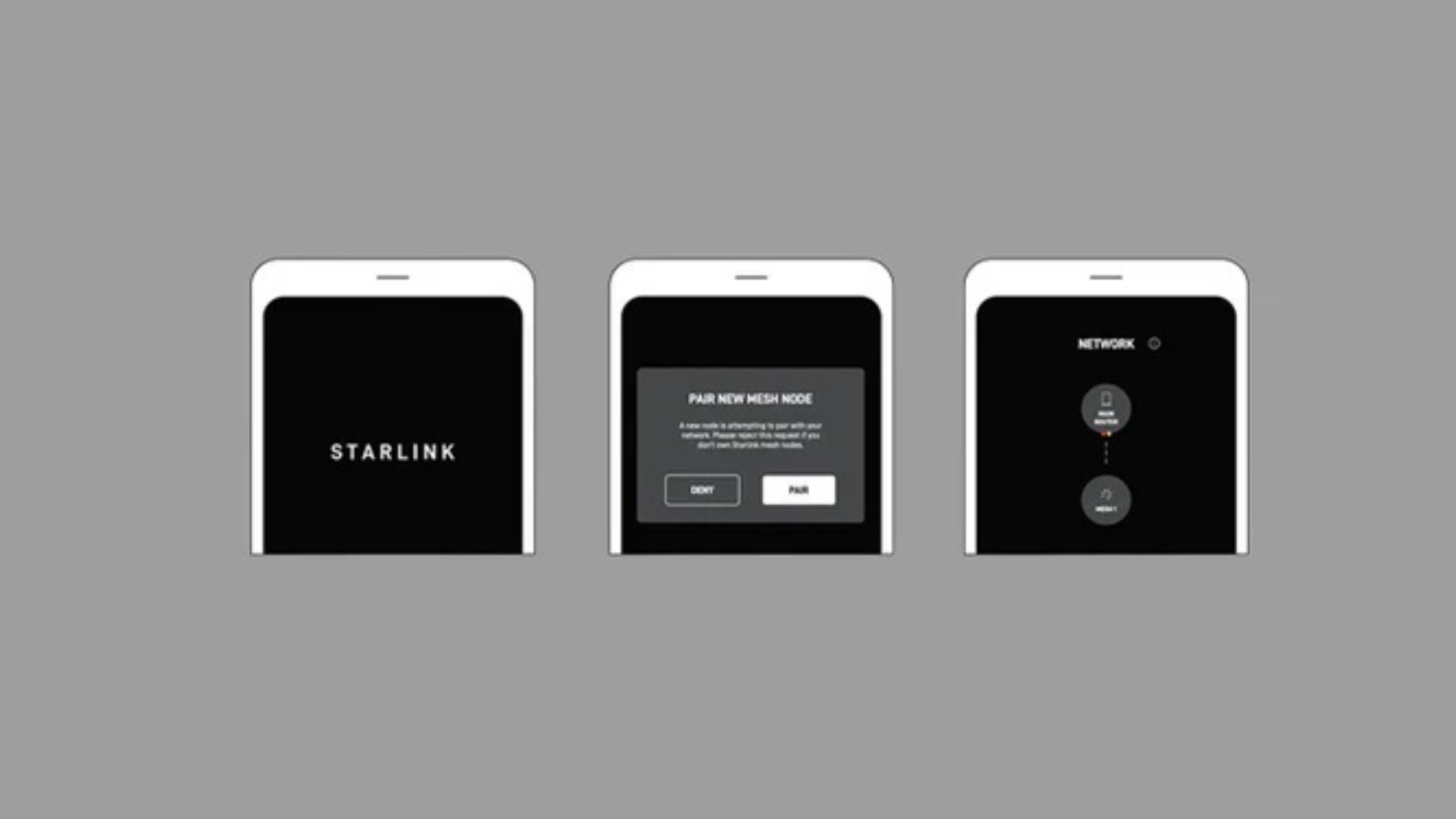
The Starlink app is your most important tool for finding the perfect installation spot. Its obstruction scanner uses your phone's camera to map the sky and identify any potential signal blockers.
- Download the App: Available for iOS and Android.
- Start Setup: Open the app and select 'Check for obstructions'.
- Scan the Sky: Follow the on-screen guide to pan your phone across the required field of view.
- Analyse the Results: The app will show a map of the sky, highlighting obstructions in red. Aim for a location with zero red.
Always perform the scan from the exact location where you plan to mount the dish. A few metres can make a significant difference. If the ground level is obstructed, a roof or pole mount is often the best solution to navigate around obstructions. For official guidance from Starlink, see How to Identify and Fix Obstructions.
Use the Starlink app's obstruction scanner to ensure a clear view before installation.
Securing Your Signal for Long-Term Stability
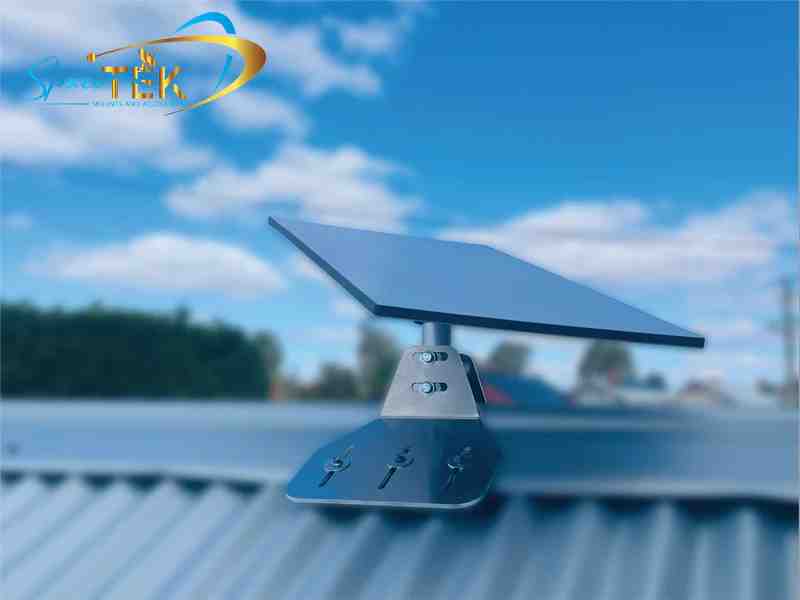
A high-quality mount is the foundation of a reliable connection, holding the correct Starlink dish angles year after year. In Australia, this is non-negotiable. Extreme weather, from high winds to intense heat, can cause an insecure dish to shift, leading to the 'Starlink Misaligned' alert and frequent outages.
Common errors include using a wobbly mount or underestimating the impact of seasonal tree growth. It is also a critical mistake to lay a standard dish flat, as this prevents proper operation and can lead to water damage. A secure, weather-resistant mount made from high-quality materials like aluminium is essential for long-term stability and performance.
Our complete guide to installation and alignment provides more detail, and you can explore our range of Starlink mounting solutions designed for New Zealand conditions.

A secure mount is key to maintaining optimal Starlink Dish Angles, especially in New Zealand conditions.
Achieve Peak Performance with a Secure Setup
Enjoying reliable internet across New Zealand starts with a perfectly aligned and securely mounted Starlink dish.
Achieving and maintaining the correct Starlink dish angles is essential for a fast and reliable internet experience. The cornerstone of this is a stable and secure mount that can withstand New Zealand conditions and prevent your dish from shifting out of alignment.
At SpaceTek, we provide high-quality, rust-resistant, and user-friendly mounts built for the local environment. Our solutions ensure your Starlink dish remains securely in its optimal position, giving you the consistent connectivity you need.
For personalised advice on the best mounting solution for your location, contact our expert team.

Leave a comment
This site is protected by hCaptcha and the hCaptcha Privacy Policy and Terms of Service apply.