
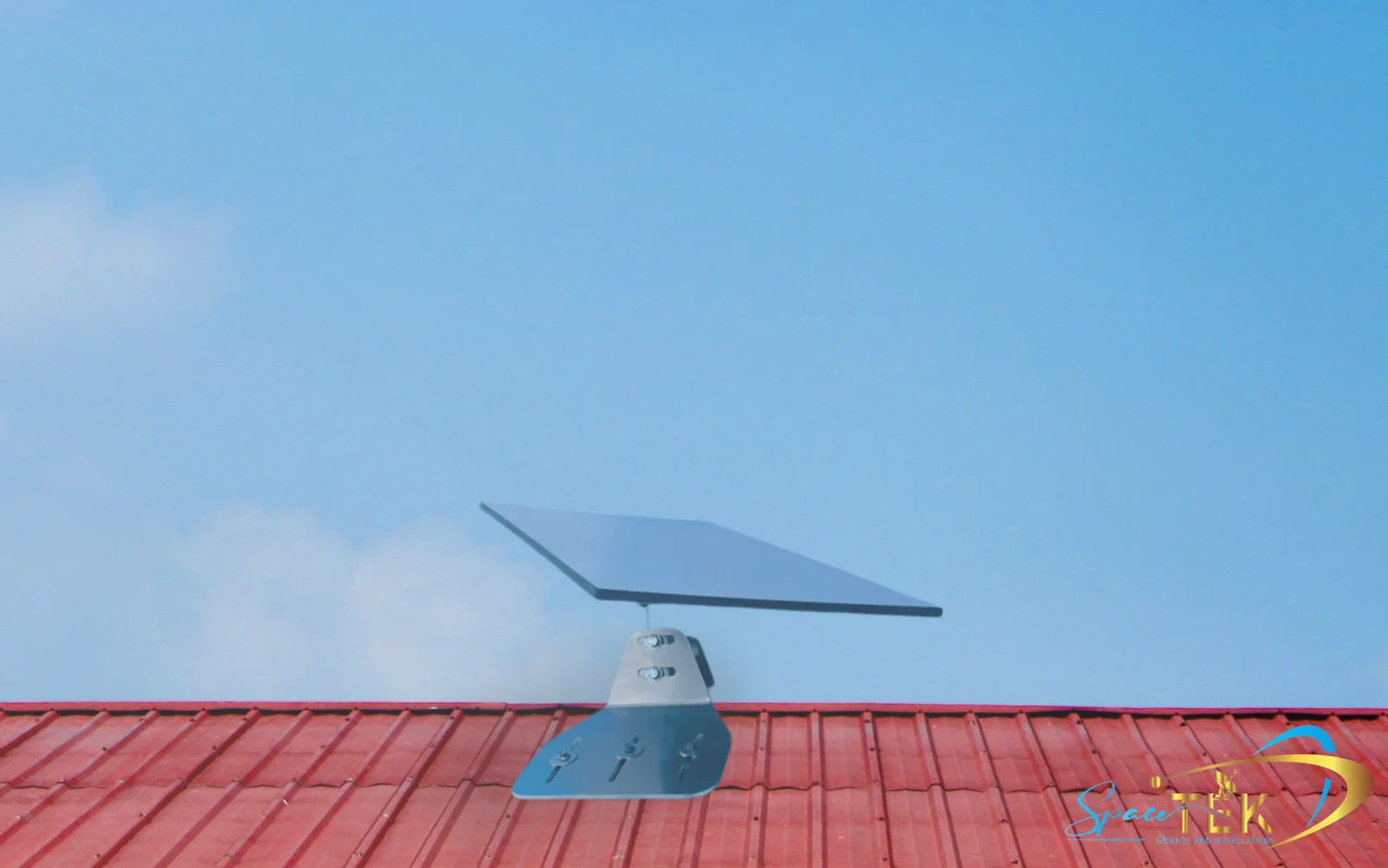
What Are Fixed Mounts and How Do They Integrate with 12V/24V Power?

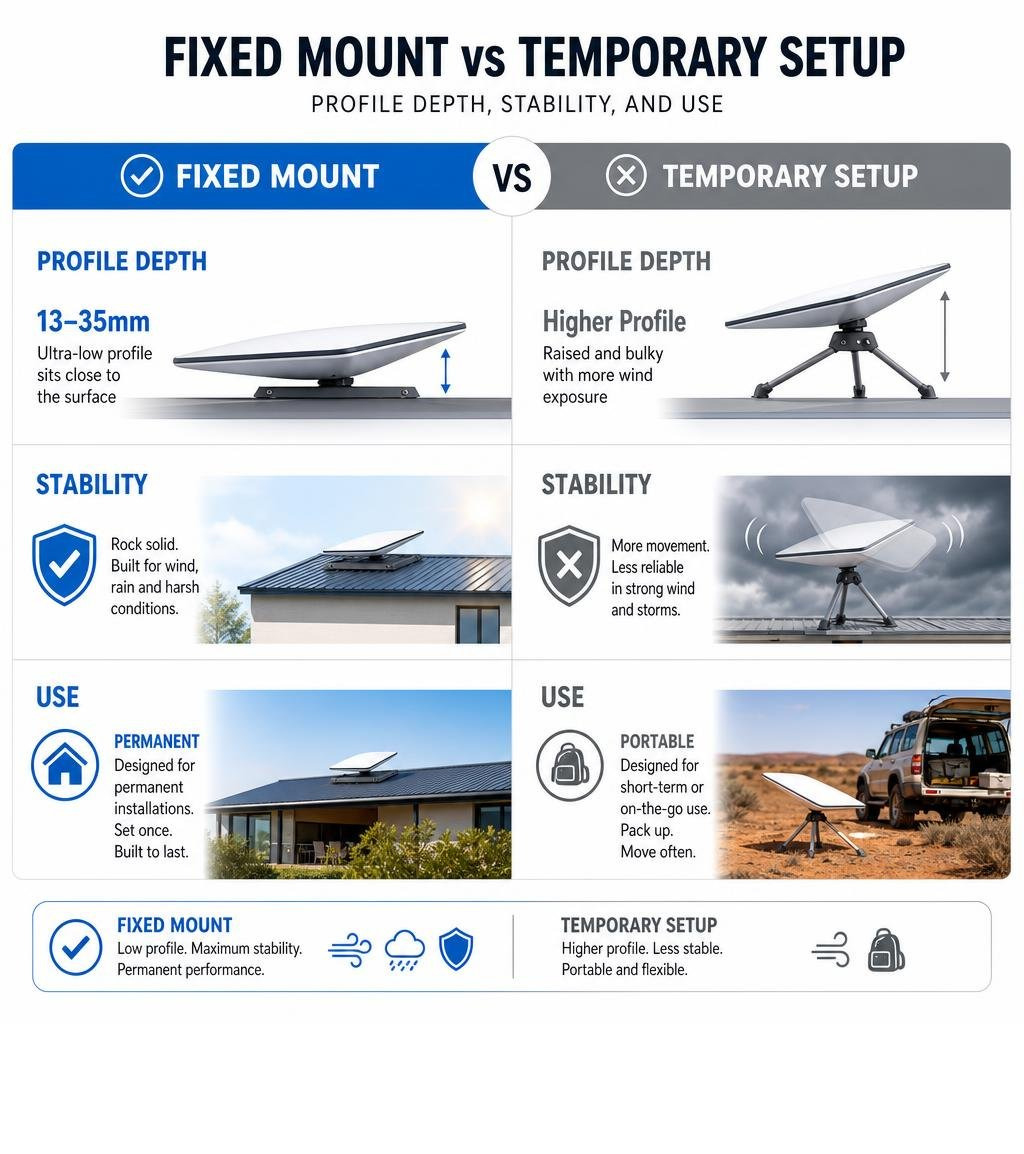
Fixed mounts provide a permanent, highly stable mounting solution designed to secure a Starlink dish in a single position. While physical stability is crucial for maintaining a reliable satellite connection, setting up a permanent system in a mobile or off-grid environment requires a focus on power efficiency.
To get the most out of your setup, pairing your hardware with a dedicated DC power system is essential:
- For off-grid and mobile setups — Pair your Starlink mounts with a high-efficiency DC power solution like the StarPower V3 12V/24V DC Power Supply to run your system directly from house batteries.
- For permanent home installations — Choose a low-profile option from the House Starlink Mounts collection to ensure long-term weather resistance and structural integrity.
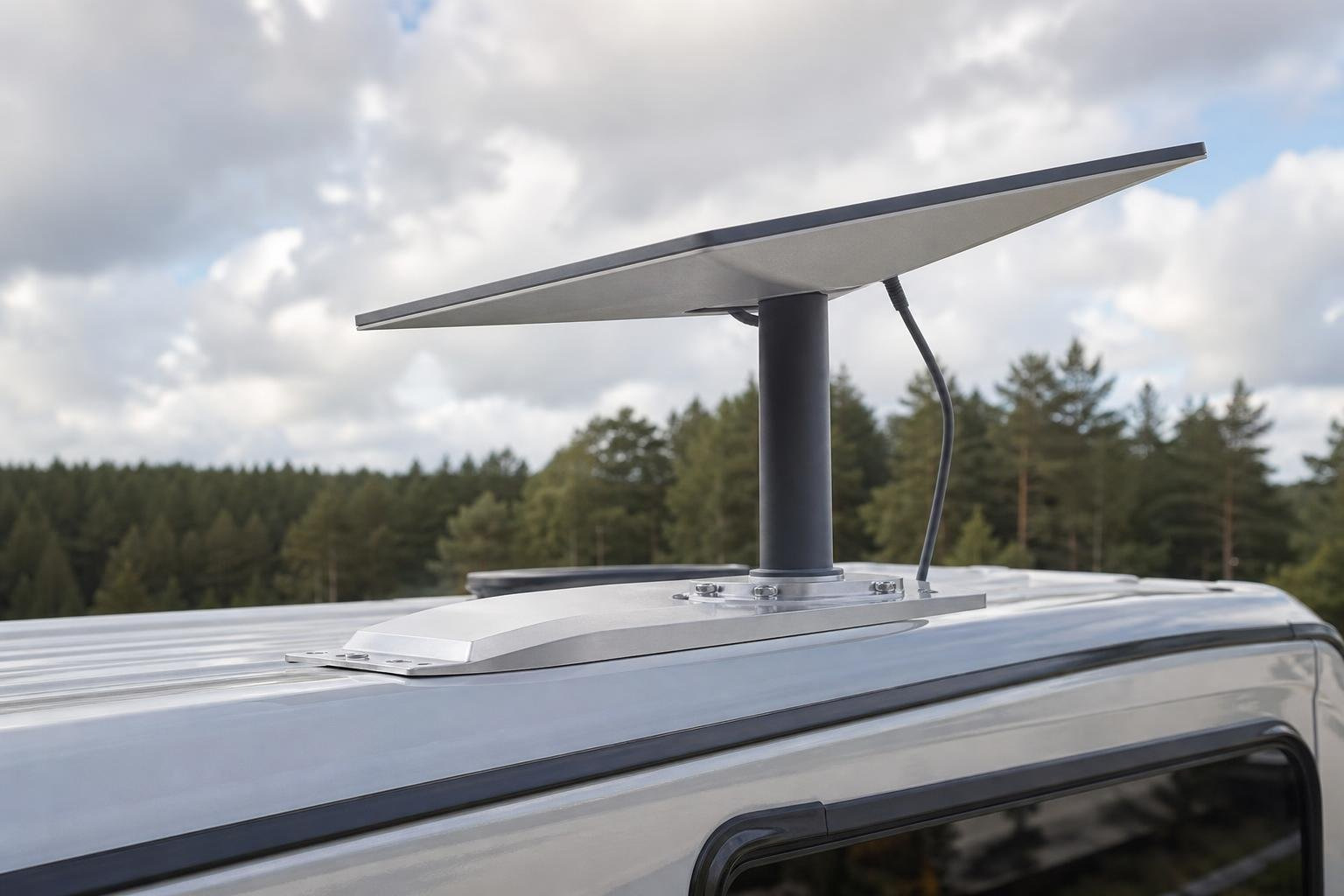
- For recreational vehicles — Select a robust option from the RV Caravan Collection designed to withstand constant vibrations and highway speeds.
When setting up a permanent connection in remote areas, relying on standard AC power is highly inefficient. Transitioning to a direct 12V or 24V DC power system eliminates unnecessary energy loss, preserving your battery bank for other essential appliances.
This guide covers the critical power requirements, DC conversion options, and essential setup considerations needed to build a highly efficient, off-grid Starlink system.
For those exploring custom installations, a custom starlink mount can provide the perfect foundation for your off-grid setup.
Understanding the Benefits of Direct DC Power Integration
Integrating your Starlink system directly with a 12V or 24V DC power supply offers significant advantages over traditional AC setups. By removing the need for an inverter, you can reduce overall power consumption by up to forty percent, making it the ideal choice for remote cabins, caravans, and four-wheel drives.
When operating off-grid, every watt counts. Standard setups require converting DC battery power to AC power via an inverter, only for the Starlink power supply to convert it back to DC. This double conversion wastes energy as heat. Direct DC-to-DC conversion bypasses this process entirely, ensuring your battery bank lasts significantly longer.
Key benefits of a direct DC power setup include:
- Optimised energy efficiency — Minimises power draw, allowing your system to run continuously without draining your batteries.
- Simplified wiring — Reduces the complexity of your electrical setup by eliminating bulky inverters and extra cables.
- Enhanced system reliability — Fewer components mean fewer potential points of failure in harsh environments.
- Stable voltage delivery — Protects sensitive satellite hardware from voltage drops and spikes common in dual-battery systems.
To support this efficient power setup, choosing a secure mounting solution from the House Starlink Mounts range or the RV Caravan Collection ensures your hardware remains safe and stable in all weather conditions.
Power Requirements and DC Conversion Options for Gen 3
Operating a Gen 3 Starlink dish on a 12V or 24V electrical system requires a clear understanding of power demands and voltage regulation. Because the Gen 3 hardware is highly sensitive to voltage fluctuations, a direct connection to a battery without proper regulation can lead to system instability or hardware damage.

Technical Power Specifications
To maintain a stable connection, the Gen 3 dish requires a consistent, regulated power source. Standard battery systems fluctuate during charging cycles, which can cause the dish to reboot or drop signals. Implementing a dedicated DC-to-DC converter ensures the input voltage remains perfectly stable, regardless of whether your alternator is running or solar panels are charging.
Essential power considerations include:
- Voltage regulation — The system must receive a steady, regulated voltage to prevent dropouts during battery fluctuations.
- Wiring gauge — Using high-quality, heavy-gauge copper wiring is critical to prevent voltage drops over longer cable runs.
- Battery management — Integrating a low-voltage disconnect protects your house batteries from over-discharge during extended periods of use.
For permanent residential installations where power is supplied via off-grid solar systems, pairing your power setup with robust hardware from the House Starlink Mounts collection ensures a secure and reliable installation.
High-Efficiency DC Power Solutions and Setup Considerations
Transitioning to a dedicated DC power supply is the most effective way to run your Starlink system off-grid. By utilising specialised conversion hardware, you can power your dish directly from your 12V or 24V battery bank with maximum efficiency.
SpaceTek DC Power Solutions
To simplify off-grid integration, SpaceTek offers engineered power solutions designed specifically for satellite hardware:
- StarPower V3 12V/24V DC Power Supply — This unit converts fluctuating battery voltage into a clean, regulated output tailored for the Gen 3 dish, eliminating the need for an inverter.
- StarPower V4 Ultimate Power Solution — A comprehensive power management system that supports multiple Starlink generations, offering advanced protection circuitry and high-efficiency conversion.
Essential Setup Considerations for Mobile Mounts
When setting up a mobile system, your mounting hardware must be as reliable as your power supply. For compact setups, the Starlink Mini Collection offers highly portable options. You can secure your hardware using the Starlink Mini Mobility Mount or the Starlink Mini V-Cell Single Roof Rack Wing Supports for a low-drag roof rack installation.
For a detailed overview of mobile setups, refer to our Portable Starlink Mounts Guide. If you are using a larger Gen 3 setup, you can find compatible hardware in the Gen 3 V4 Mounts and Accessories collection.
Frequently Asked Questions about 12V/24V Starlink Power
Why should I run Starlink on DC power instead of an inverter?
Running your system directly on DC power is significantly more efficient than using an inverter. An inverter converts 12V or 24V DC power to 240V AC, which the Starlink power supply then converts back to DC. This double conversion process wastes up to forty percent of your energy as heat. A direct DC-to-DC power supply eliminates this waste, preserving your battery capacity.
Can I connect my Gen 3 Starlink directly to a 12V battery?
No, you should not connect the dish directly to a battery. The Gen 3 dish requires a stable, regulated voltage. Battery voltages fluctuate constantly during charging and discharging cycles, which can cause system reboots or permanent damage. You must use a regulated power supply like the StarPower V3 12V/24V DC Power Supply to ensure safe, stable operation.
What mounting options are recommended for mobile use?
For mobile setups, your Starlink mounts must be secure and low-profile to handle wind resistance. If you are using a Starlink Mini, the Robust Magnetic Roof Mount for Starlink Mini provides an exceptionally secure, temporary mounting solution using powerful earth magnets.
Conclusion
Optimising your Starlink Gen 3 system for 12V or 24V electrical setups is the key to achieving true off-grid independence. By pairing high-efficiency DC power solutions with robust Starlink mounts, you can enjoy a reliable, high-speed internet connection without draining your battery bank.
Investing in dedicated power hardware like the StarPower V3 12V/24V DC Power Supply or the StarPower V4 Ultimate Power Solution ensures your system remains stable and protected against voltage fluctuations. Whether you are setting up a permanent home connection or preparing a caravan for remote travel, SpaceTek has the specialised gear to keep you online.
If you need assistance choosing the right power setup or compatible Starlink mounts for your vehicle, please Contact SpaceTek today. Our team is ready to help you design the ultimate off-grid system.
To complete your setup, explore our House Starlink Mounts for residential installations, or browse the RV Caravan Collection for your next adventure.


Leave a comment
This site is protected by hCaptcha and the hCaptcha Privacy Policy and Terms of Service apply.