
Why Does Rain Degrade Satellite Internet Connections?
Heavy rain can slow Starlink down noticeably, especially during a proper downpour. In practical terms, heavy rain Starlink speed impacts usually show up as lower downloads, weaker uploads, higher latency and the odd short dropout while the worst of the weather passes.
Key Takeaways
- Heavy rain can reduce Starlink speeds because water droplets absorb and scatter the radio signal between your dish and the satellites overhead.
- Light rain or cloud cover usually has little effect, but heavy rain and storm cells can make video calls, gaming and uploads feel less stable.
- A rigid, well-positioned dish is just as important as the weather itself, because wind sway, wet trees and poor cable protection can turn a slowdown into an outage.
- If your setup drops out in a storm, check the Starlink app, look for wet obstructions and make sure your power and cabling are protected.
- For tougher Australian conditions, sturdy Starlink mounts help keep the dish steady when wind and rain roll through.
What Is Rain Fade in Plain English?
Satellite internet relies on high-frequency radio waves travelling between your Starlink dish and low-Earth orbit satellites. When the sky is clear, that signal has a relatively clean path. When a storm moves in, rain adds moisture, moving water and dense cloud between the dish and the satellite.
The technical term for this weather-related signal loss is rain fade. Put simply, rain fade means the signal loses strength as it passes through rain. Liquid water droplets absorb some of the signal, scatter some of it in different directions and make the connection work harder to keep data moving.
Starlink uses Ku-band and Ka-band radio frequencies. Those bands are good for fast, low-latency internet, but they are also more sensitive to heavy rain than lower-frequency signals. That is why drizzle might barely register, while a sudden summer storm can make the connection feel patchy for a short period.
Why Does Starlink Handle Rain Better Than Older Satellite Internet?
Rain fade affects all satellite systems, but Starlink has a few advantages over older geostationary satellite services. Traditional geostationary satellites sit much farther from Earth, so the signal has to travel through a much longer section of atmosphere before it reaches the dish.
Starlink satellites operate in low-Earth orbit, which means the signal path is much shorter. That shorter path helps reduce the amount of weather the signal has to push through. It does not make Starlink immune to heavy rain, but it does help explain why many dropouts are brief rather than long, drawn-out outages.
Starlink dishes also use phased-array antennas. In everyday language, that means the dish can electronically steer its signal rather than physically moving around to follow one fixed satellite. If one part of the sky becomes harder to use during a storm, the system may be able to hand off to another satellite as conditions change.
How Much Can Heavy Rain Slow Starlink?
During light rain, most people will not notice much difference while browsing, streaming or checking email. As rain becomes heavier, the dish has to work harder to maintain a clean signal, so speed, latency and upload stability can all take a hit.
Based on commonly reported Starlink weather behaviour, the pattern usually looks like this:
- Clear skies: Normal everyday speeds, stable latency and no weather-related interruptions.
- Light rain or drizzle: A small drop in performance that most households will barely notice.
- Moderate rain: Browsing and streaming generally keep working, but uploads and live calls can become less consistent.
- Heavy rain: Download speeds can fall sharply, uploads are often affected more, and short dropouts may happen during the heaviest part of the storm.
- Extreme downpour or electrical storm: The connection may cut out briefly until the most intense weather moves away from the dish's line of sight.
What Do Real-World Speed Drops Feel Like?
For everyday use, heavy rain does not always mean the internet stops completely. More often, it feels like the connection becomes less predictable. Web pages might take longer to load, video quality may drop for a moment, cloud backups can slow down and live calls may stutter.
Uploads are usually the first thing you will notice. Sending large files, livestreaming, video calling or working from a cloud-based system can feel rougher in heavy rain because the dish has less transmission power than the satellites overhead.
The good news is that the slowdown is usually tied to the storm cell itself. Once the heaviest rain moves through, performance often comes back quickly, provided the dish is still stable, the view of the sky is clear and no water has found its way into cable connections.
Why Do Ping, Packet Loss and Short Dropouts Happen?
Latency can also rise during heavy downpours. Latency is the delay between your device sending a request and getting a response. When rain weakens the signal, data packets can be lost and resent, which makes the connection feel laggy.
That matters most for real-time tasks. Streaming a movie has a buffer, so it can often ride through brief speed dips. Competitive gaming, live video calls and voice calls are less forgiving because they rely on a steady, low-delay connection.
Short dropouts can happen when the storm is sitting directly in the dish's signal path. If the issue is purely rain fade, the connection should usually recover as the rain eases. If it does not, the problem may be the installation rather than the weather.
Why Can Mounting Matter More Than the Rain Itself?
When internet speeds fall during a storm, it is easy to blame the clouds. Fair enough, because rain fade is real. But in many Australian setups, physical installation issues are what turn a temporary slowdown into a frustrating outage.
How Does Mount Stability Protect Starlink Speed in Heavy Rain?
Storms rarely bring rain on its own. They usually bring wind, sudden gusts and plenty of movement around the roofline, shed, caravan or campsite. A Starlink dish needs a steady position so its phased-array antenna can keep a clean link with satellites travelling overhead.
If a dish is installed on a flexible pole or loose surface, wind can make it sway. Even small movement can reduce the signal margin during bad weather. The dish can electronically steer its beam, but it cannot fully compensate for a mount that is shaking in strong wind.
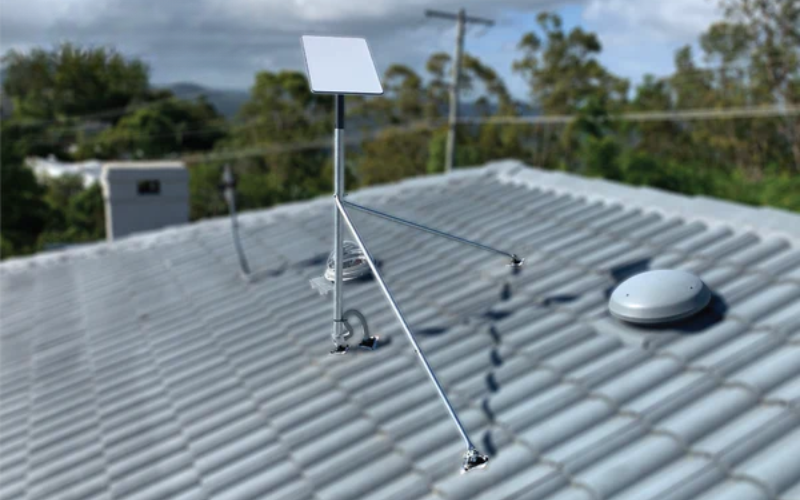
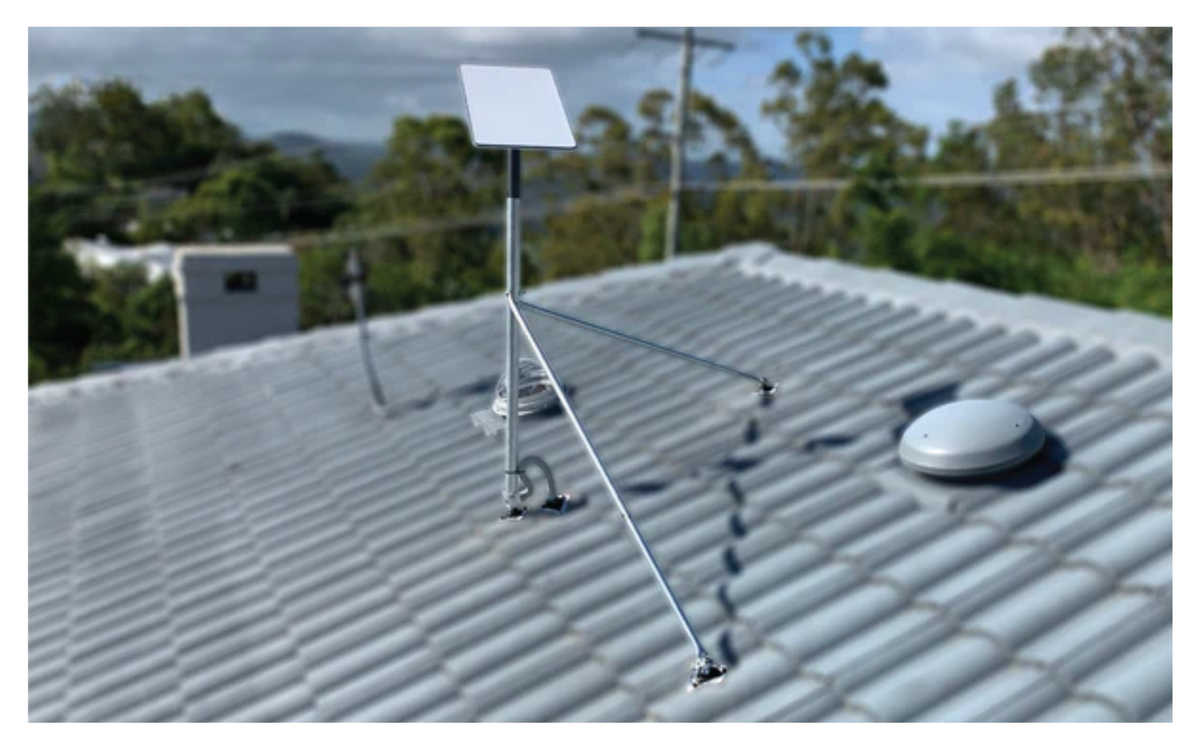
A rigid setup using precision-machined or folded aluminium dish mounts helps the dish stay locked in position. That does not stop rain fade, but it gives the system a better chance of riding through rough weather without unnecessary dropouts.
What Else Around the Dish Can Make Storm Performance Worse?
Rain changes the area around your Starlink setup, not just the sky above it. A few small installation details can make a big difference:
- Wet foliage: Dry leaves near the edge of the dish's view might not cause much trouble, but wet leaves can block more of the signal. Keep the sky view as clear as possible.
- Water pooling: Standing water on the dish face adds another layer the signal has to pass through. A sensible install angle helps rain run off cleanly.
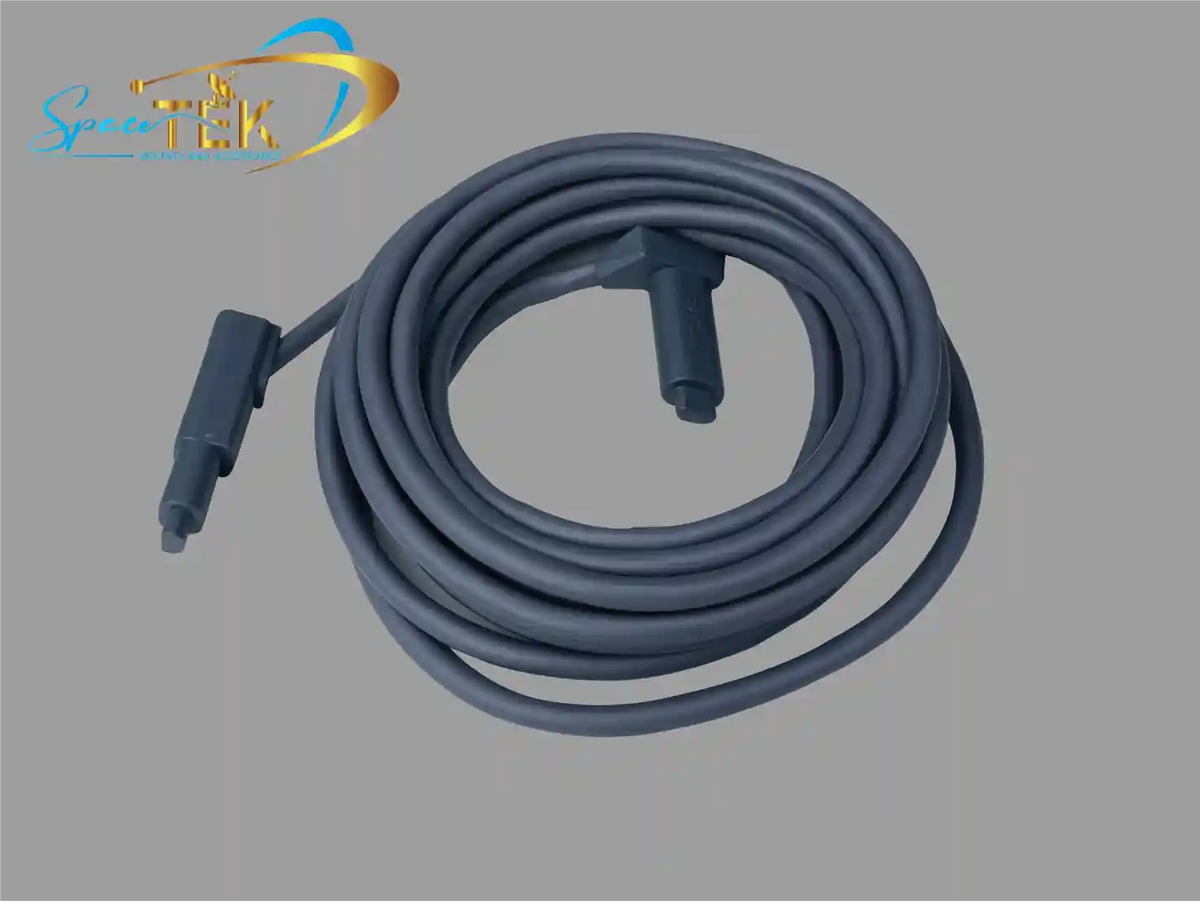
- Cable movement: Wind can tug on loose cables and strain connectors. Secure cabling helps protect seals and reduces intermittent faults that can look like rain fade.
- Power interruptions: Storms can cause flickers and outages. A stable power setup prevents avoidable reboots while the weather is already testing the connection.
How Can You Troubleshoot Starlink During Bad Weather?
If your Starlink connection drops out in a storm, start by working out whether the problem is weather-related or installation-related. The aim is not to overthink it. You just want to separate a normal rain fade event from something you can actually fix.
What Should You Check First?
Use the Starlink app and a quick physical inspection to narrow things down:
- Check the obstruction map: Look for trees, roof edges or other objects showing up as obstructions, especially if wet foliage is near the dish's view.
- Review the outage log: The Statistics section can help separate obstruction events, no-signal events and brief satellite handoffs.
- Wait for the worst rain to pass: If the dropouts only happen during the heaviest part of the storm, rain fade is likely a major factor.
- Inspect the mount and cabling once safe: Look for sway, loose hardware, cable strain or signs of water around connectors.
- Keep firmware updated: Updates can improve tracking and network behaviour, so it is worth keeping the system current.
Why Does Power Setup Matter for Off-Grid Starlink Users?
For rural properties, caravans, 4WD setups and off-grid camps, power stability matters during bad weather. When mains power fails or battery capacity is limited, running Starlink through an AC inverter can waste energy through extra conversion steps.
SpaceTek's StarPower V2, V3 and V4 DC power supplies are designed to support efficient DC-to-DC operation. Compared with an AC inverter setup, DC-to-DC power can offer higher efficiency, lower overall draw and the ability to bypass the standard Starlink router for custom network setups.
That is especially handy during long wet spells when solar input is weaker and every bit of stored energy matters. Pairing a solid dish mount with a sensible DC power setup gives your Starlink connection a better chance of staying useful when the weather turns ordinary.
What Do People Usually Ask About Starlink Weather Performance?
Does Starlink Disconnect Completely During Severe Thunderstorms?
Yes, it can, but usually only during the most intense part of a severe storm. If heavy rain is sitting directly between your dish and the satellites overhead, Starlink may briefly lose signal until conditions improve.
How Long Does Starlink Take to Recover After Heavy Rain?
In many cases, Starlink recovers quickly after the heaviest rain eases. Because the dish tracks satellites electronically, it does not need to physically re-aim itself. If the dish is steady, the sky view is clear and the cabling is dry, performance should usually return without much fuss.
Does Dense Cloud Cover Reduce Starlink Speed Without Rain?
Dense cloud on its own usually has a much smaller effect than active rain. The bigger issues are liquid water, storm cells and wet obstructions in the signal path. If it is just overcast with no heavy rain, most users should not see a major speed drop.
How Do You Keep Starlink More Reliable in Wet Weather?
Heavy rain will always have some impact on satellite internet because the signal has to travel through the atmosphere. But you can still give your Starlink setup a much better chance by controlling the things around the dish.
Keep the dish steady, give it a clear view of the sky, secure the cabling and make sure water cannot sit where it should not. For Australian homes, sheds, caravans and off-grid setups, those practical details often matter just as much as the rain itself.
SpaceTek Australia builds precision-machined aluminium and reinforced composite Starlink accessories for tough local conditions. If you want a more storm-ready setup, explore SpaceTek's range of Australian-engineered custom house Starlink mounts and off-grid accessories before the next big downpour arrives.

Leave a comment
This site is protected by hCaptcha and the hCaptcha Privacy Policy and Terms of Service apply.