
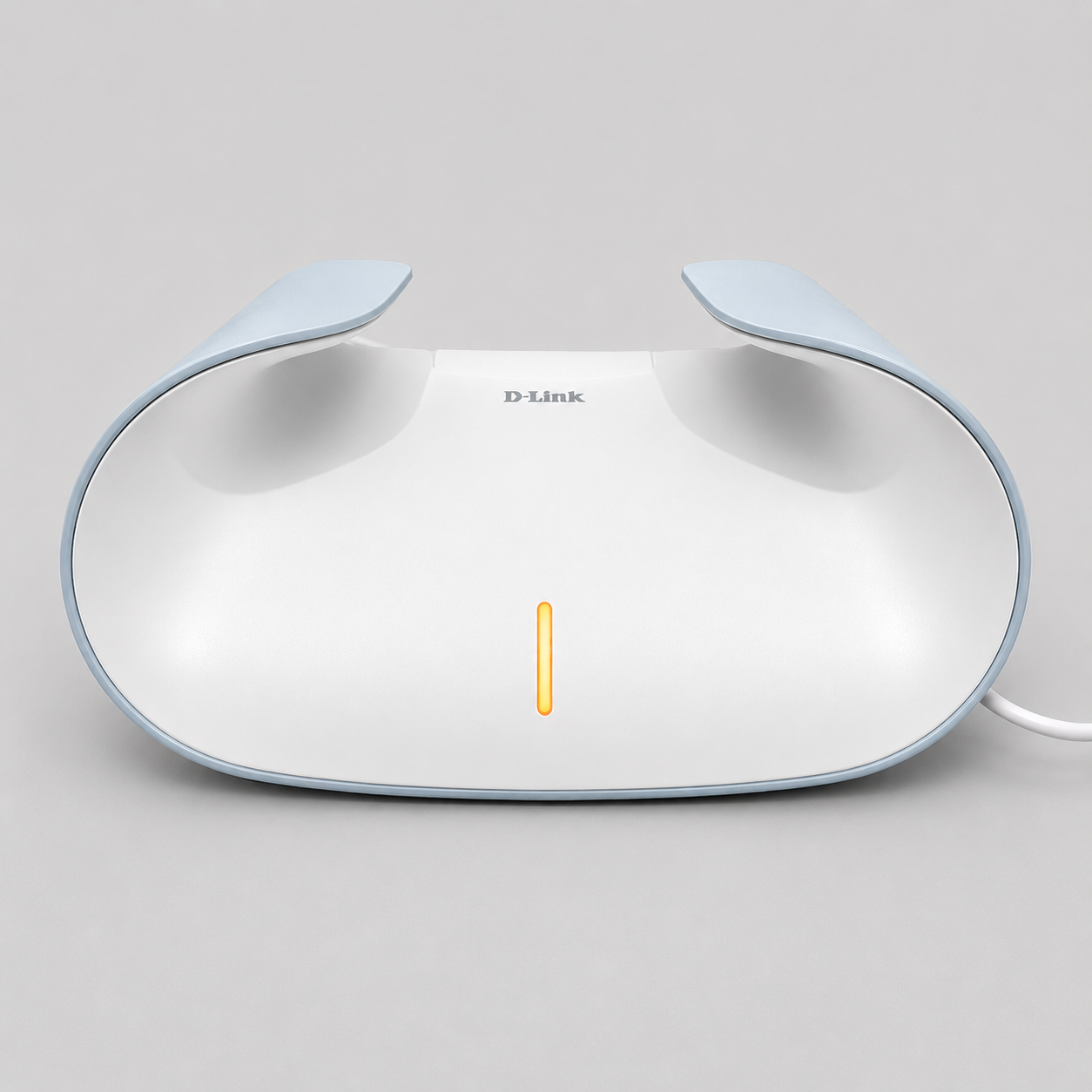
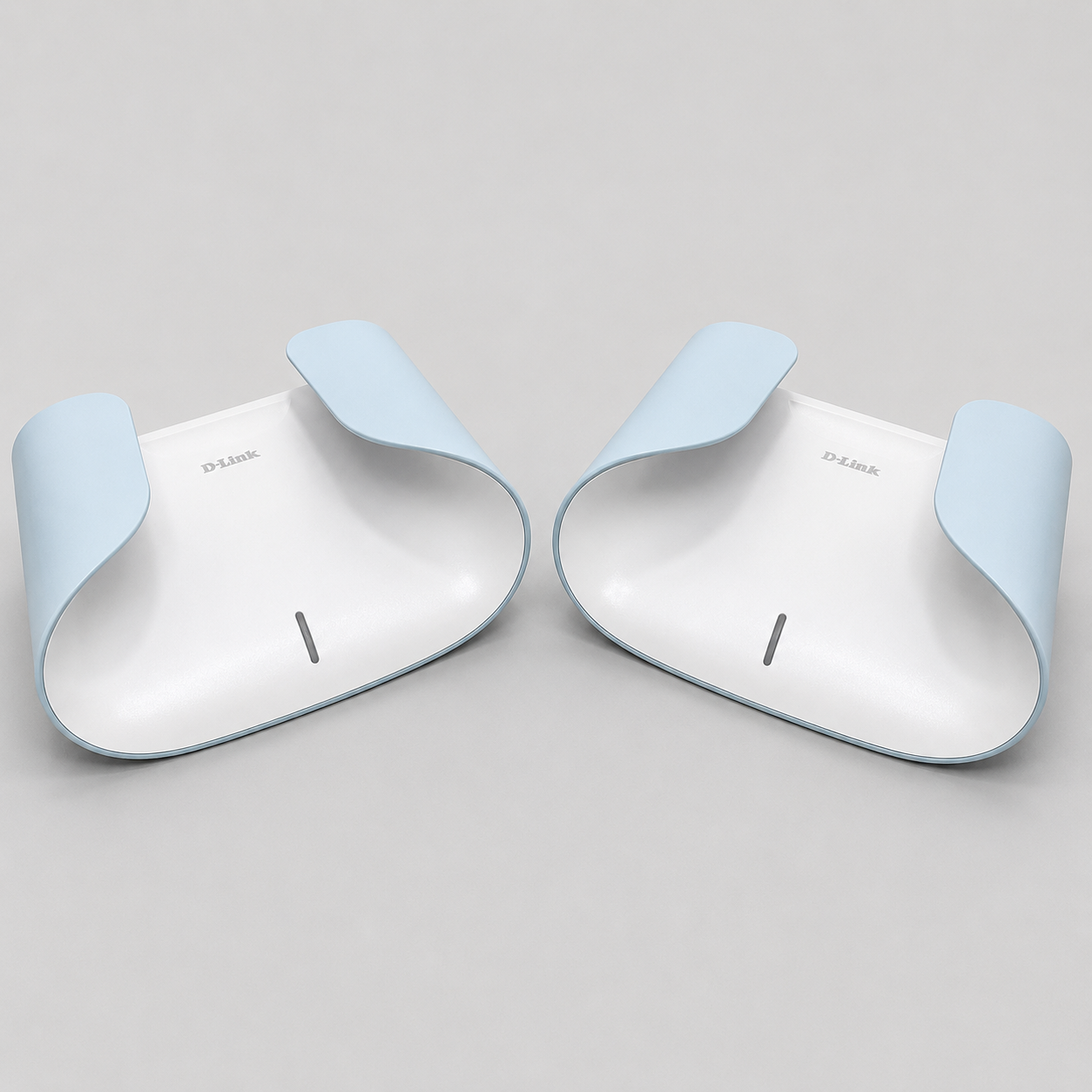
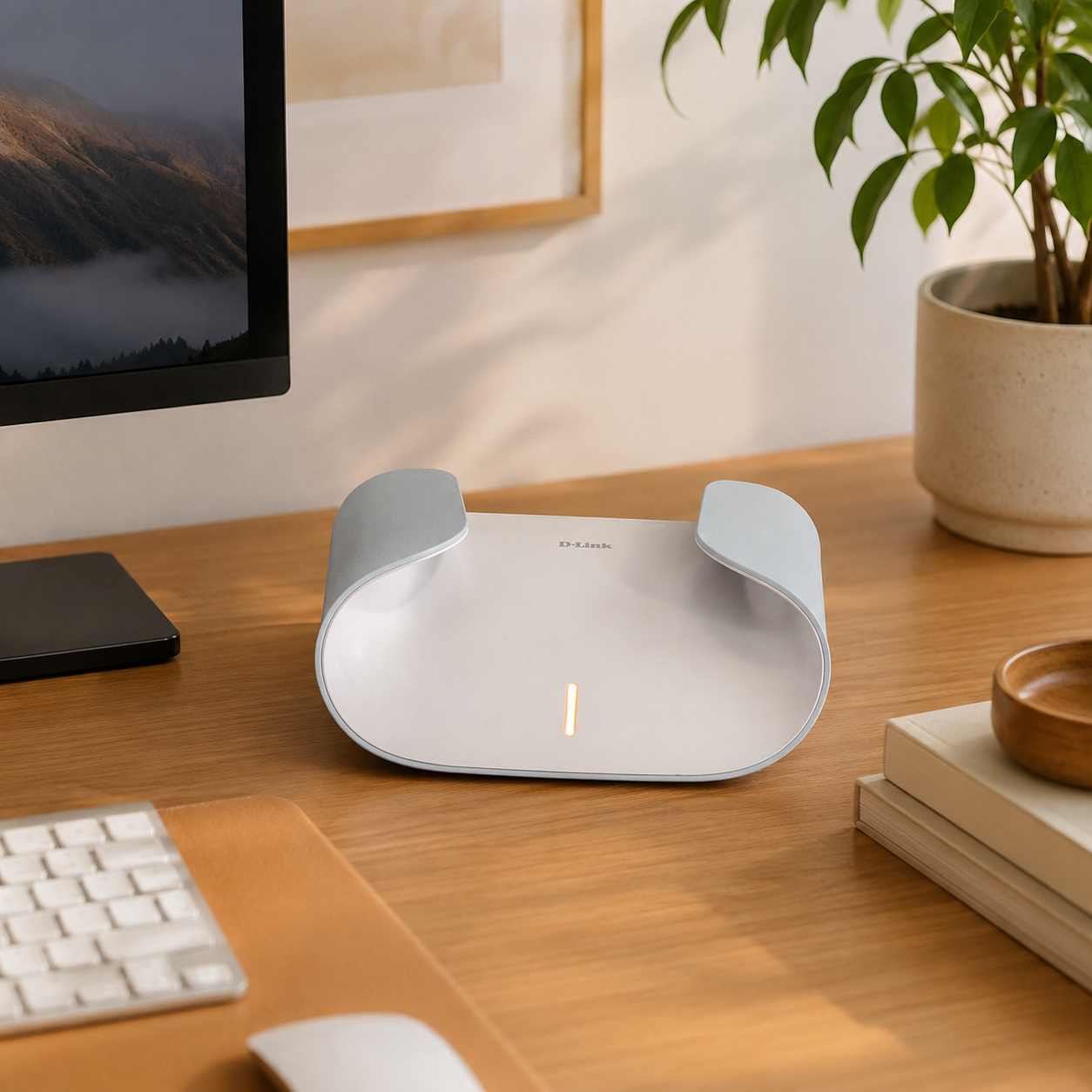
D-Link AQUILA PRO AI Wi-Fi 6 Mesh System – 2 & 3 Pack, Starlink Compatible
Trusted by 30,000+ Starlink users
- Wi-Fi 6 mesh in a 2 or 3 node pack
- Up to 650m² coverage with the 3-pack
- 3-year D-Link warranty and 24/7 phone support
Fits Standard Gen 3 / V4 Gen 2 Rectangle
Needs an Ethernet connection from your Starlink router
Match your dish to one of these. The model number on the label confirms it.
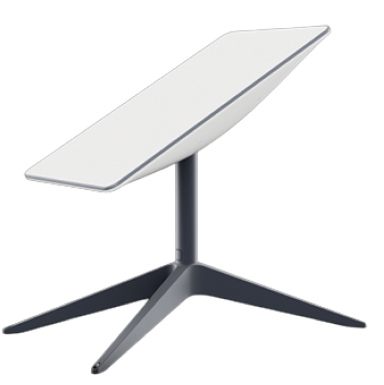
Gen 2 Actuated UTA-212
Rectangular dish on a built-in mast that tilts itself with motors. Sold from late 2021 to late 2023.
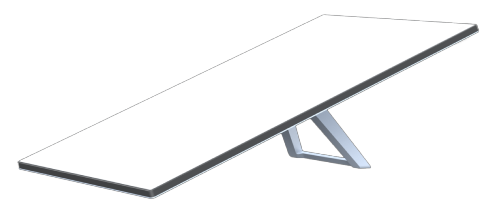
Standard Gen 3 / V4 UTA-232
Flat rectangular dish with a removable kickstand and no built-in mast. Starlink calls it the Standard Kit.
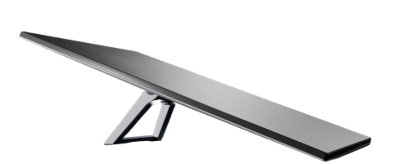
Mini UTA-231
Compact, laptop-sized dish with the Wi-Fi router built in.
The model number starts with UTA and is printed on the label on the back of the dish or its stand.
Have a Starlink Performance or Flat High Performance dish? Those need different mounts. See Performance roof mounts
Still not sure? Contact us with a photo of your dish and we will confirm it before you order.
- Same-day dispatch on orders placed before 2pm AEST on business days
- Free standard shipping on this item
- 12-month Spacetek warranty
Needs an Ethernet connection from your Starlink router
New to Starlink? Order it through our referral
Starlink kits are ordered directly from Starlink. New customers who order through our referral link may be eligible for Starlink's current referral reward.
Product details
Choose this if
- Your Starlink works but the Wi-Fi doesn't reach far enough
- You need coverage across a large home, shed or office
- You're comfortable using Ethernet and Starlink Bypass mode
Specifications
- Brand
- D-Link
- Model
- AQUILA PRO AI M30 series
- Wireless Standard
- Wi‑Fi 6 (802.11ax)
- Wireless Speed Rating
- AX3000
- Configuration
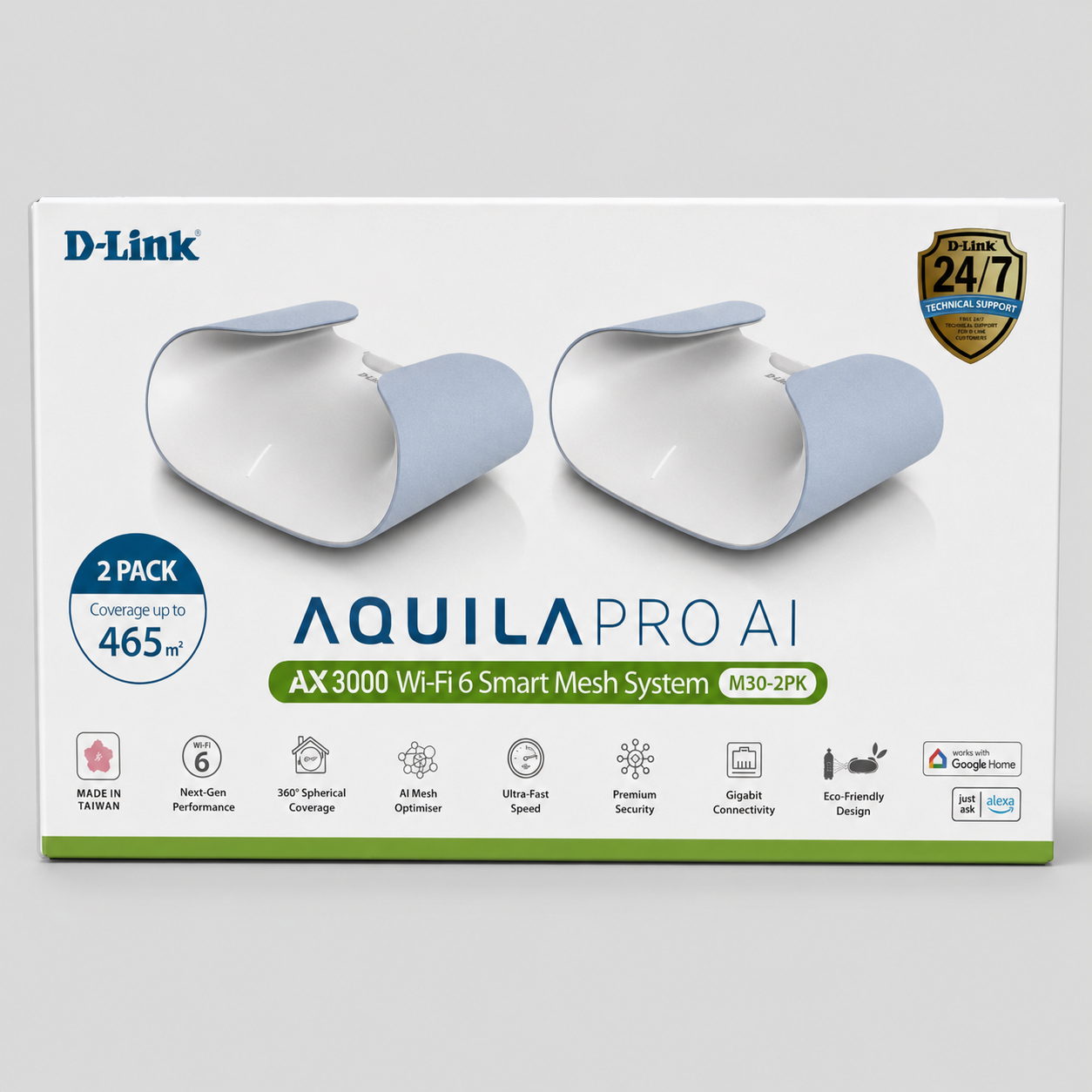
- 2 mesh units (Dual-Pack) or 3 mesh units (Three-Pack)
- Frequency Bands
- Dual-Band 2.4 GHz + 5 GHz
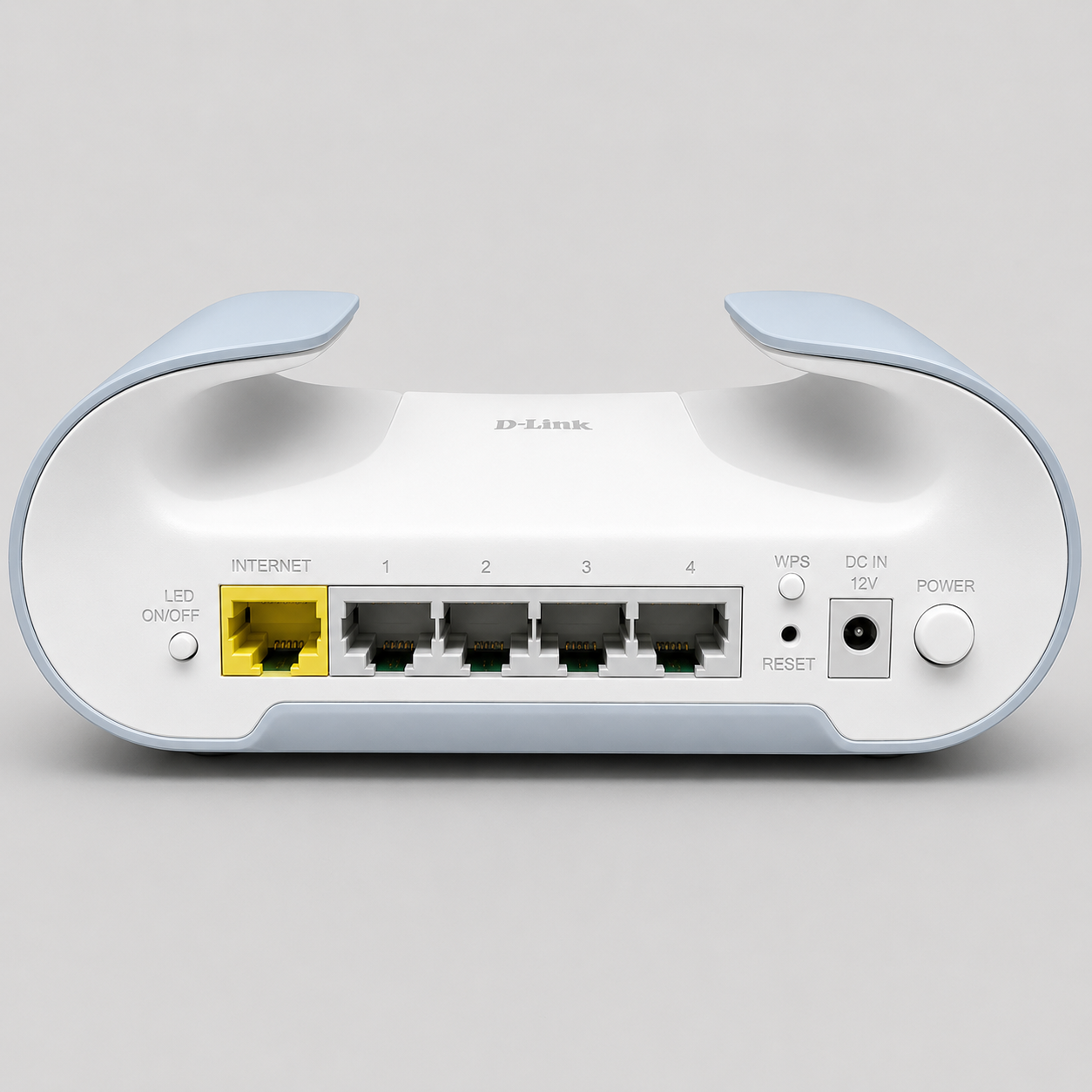
- Ethernet Ports
- Gigabit Ethernet
- App Management
- D-Link AQUILA PRO AI App
- SKU
- STG-NET-DLINK-M302PK
Questions about this product? Contact our team
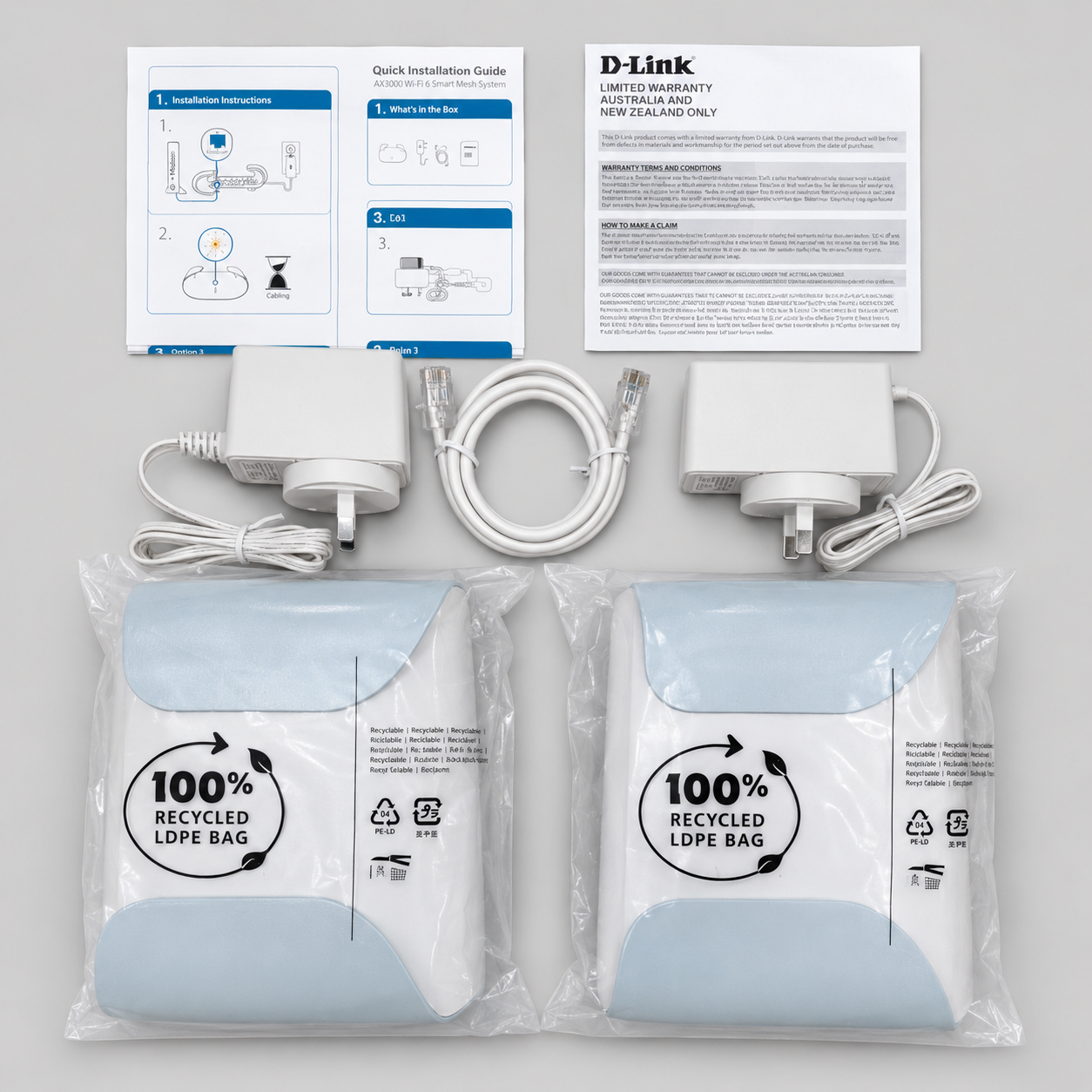
What's in the box
Questions about this product? Contact our team
Compatibility
Fits: Standard V4 (Gen 3 / V4), Gen 2 Actuated Rectangle
- Needs an Ethernet connection from your Starlink router
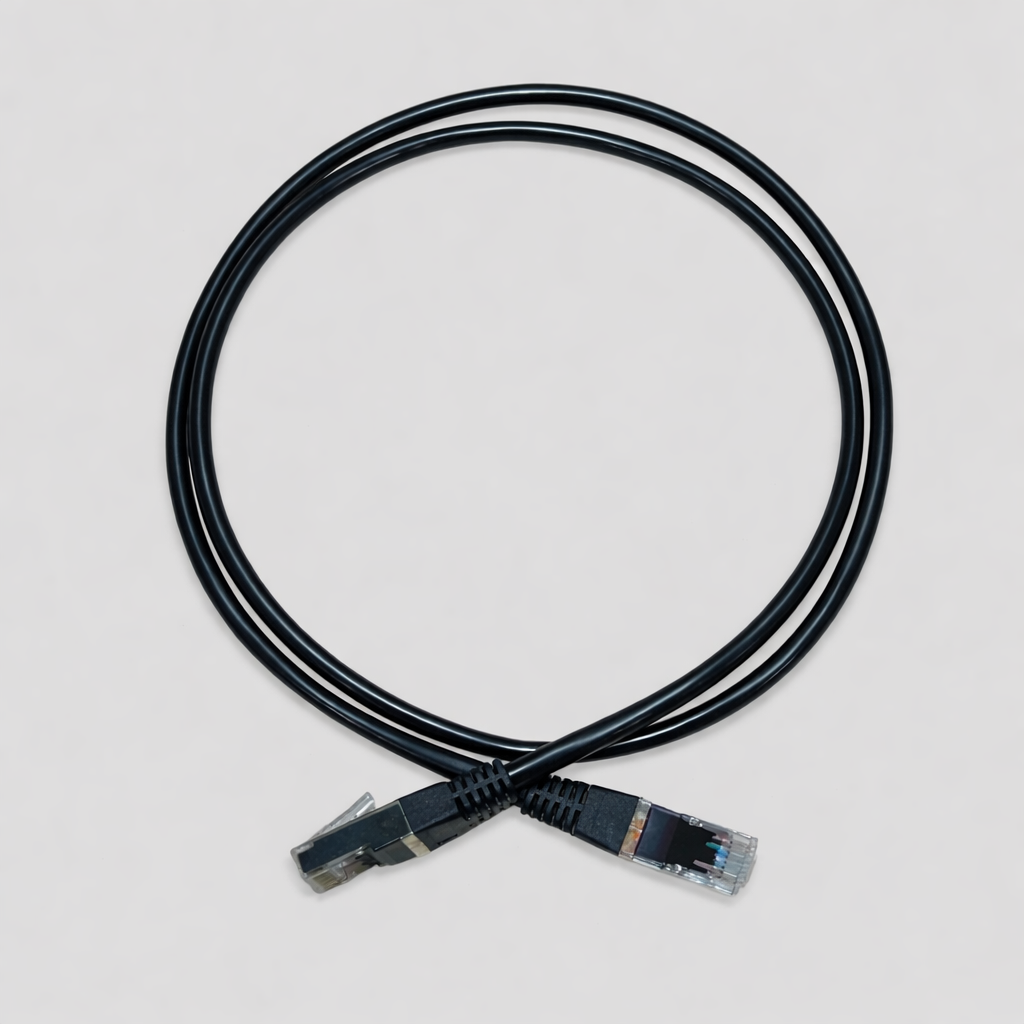
- Gen 2 router: add the Gen 2 Ethernet Adapter first
- Coverage depends on layout, wall materials and node placement
Starlink kit sold separately.
Questions about this product? Contact our team
Installation and guides
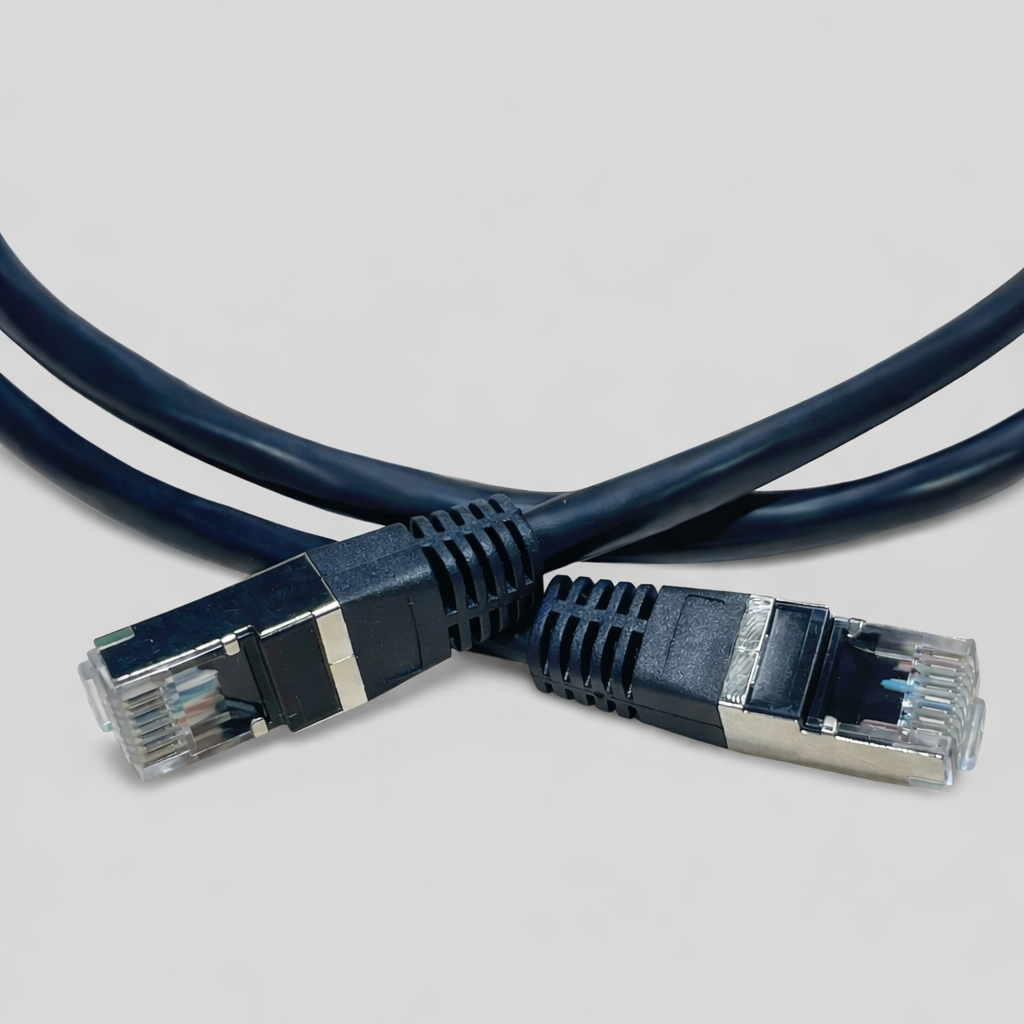
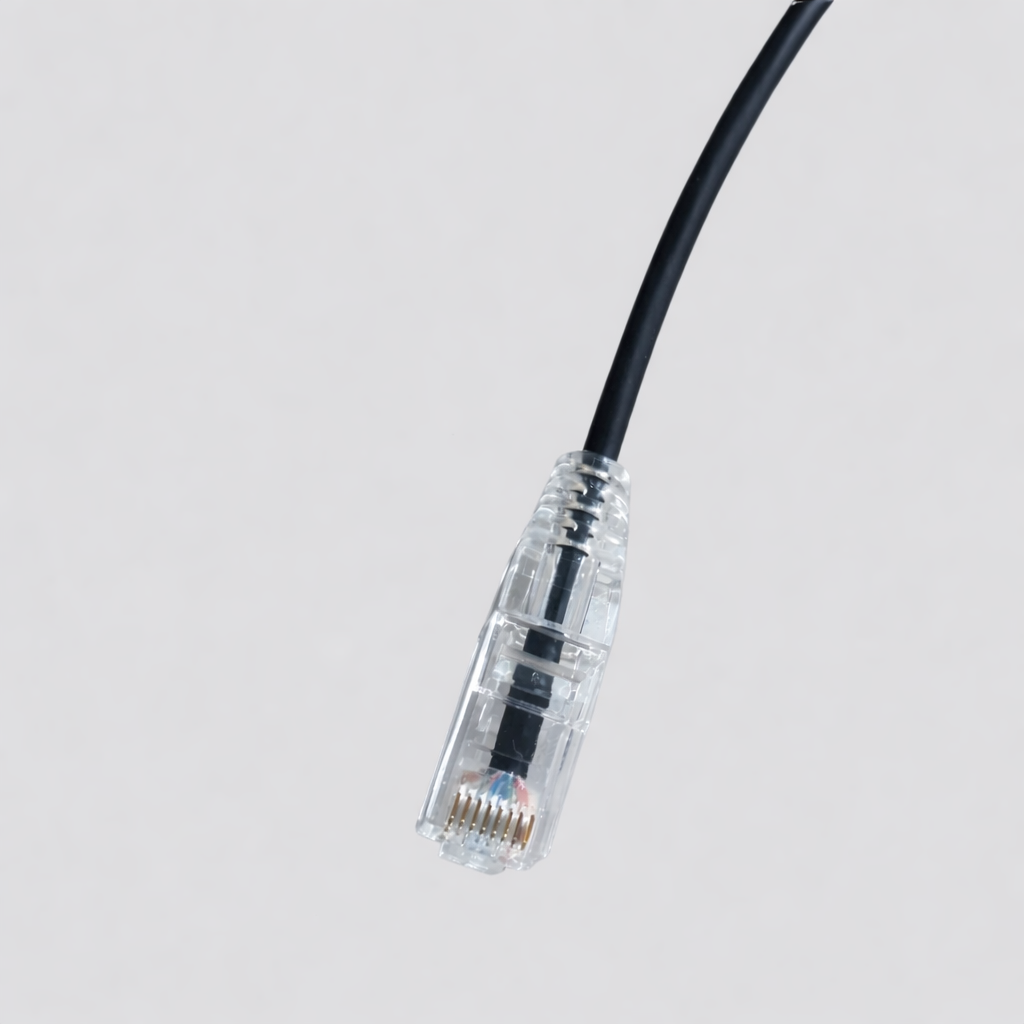
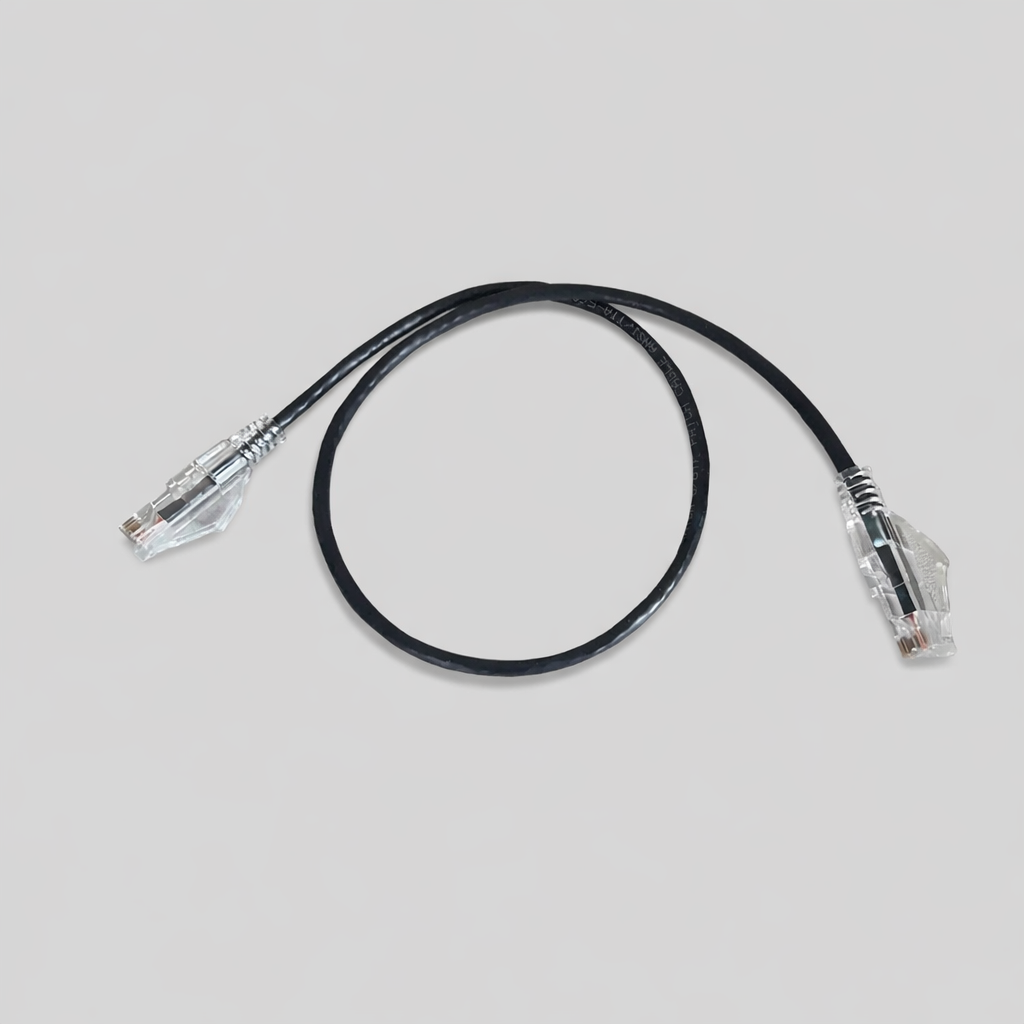
- Connect an Ethernet cable from the Starlink router Ethernet port to the Internet/WAN port on the primary D-Link mesh unit.
- Power on the primary D-Link unit and wait for the status indicator to initialise.
- (Optional) Install the D-Link AQUILA PRO AI mobile application.
- (Optional) Follow the in-app setup process to create the Wi‑Fi network name and password (Optional, default settings on the back of the mesh devices)
- Position the second mesh node midway between the primary router and the low-signal area.
- Power on the second mesh node and allow automatic pairing.
- Confirm internet connectivity and roaming performance throughout the installation area.
Browse all guides at help.spacetek.com.au →
Questions about this product? Contact our team
Warranty and support
12-month Spacetek warranty on products bought from our website.
Our Australian-based team can help with Starlink compatibility and installation questions before you order.
Browse all guides at help.spacetek.com.au →
Questions about this product? Contact our team
Full product description
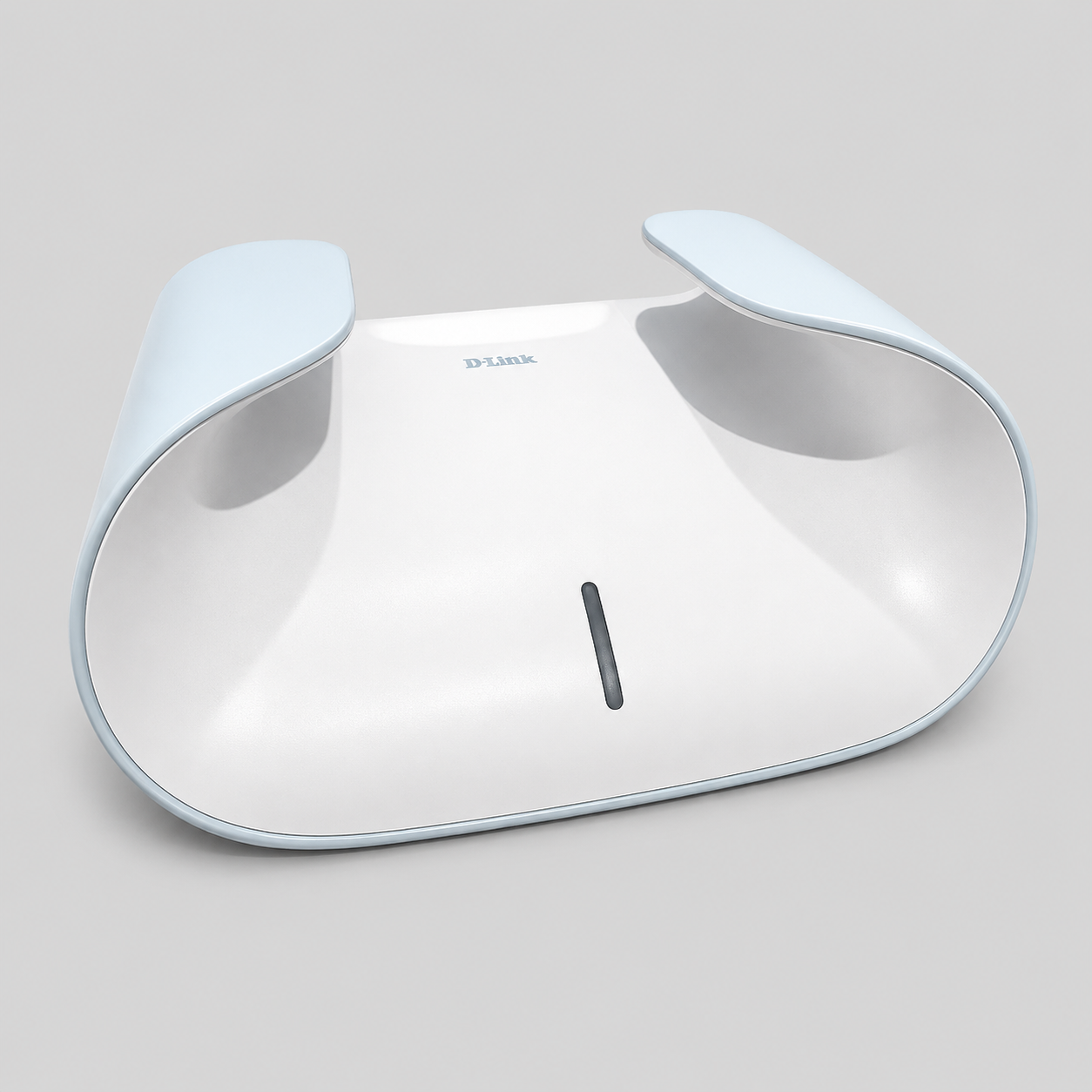
The D-Link AQUILA PRO AI Wi-Fi 6 Mesh System is Spacetek's Wi-Fi booster / extender alternative for customers who want broader Wi-Fi coverage from a Starlink connection. It's designed for larger homes, offices, sheds, granny flats, caravan/RV sites and multi-room spaces where the standard Starlink router signal doesn't reach far enough.
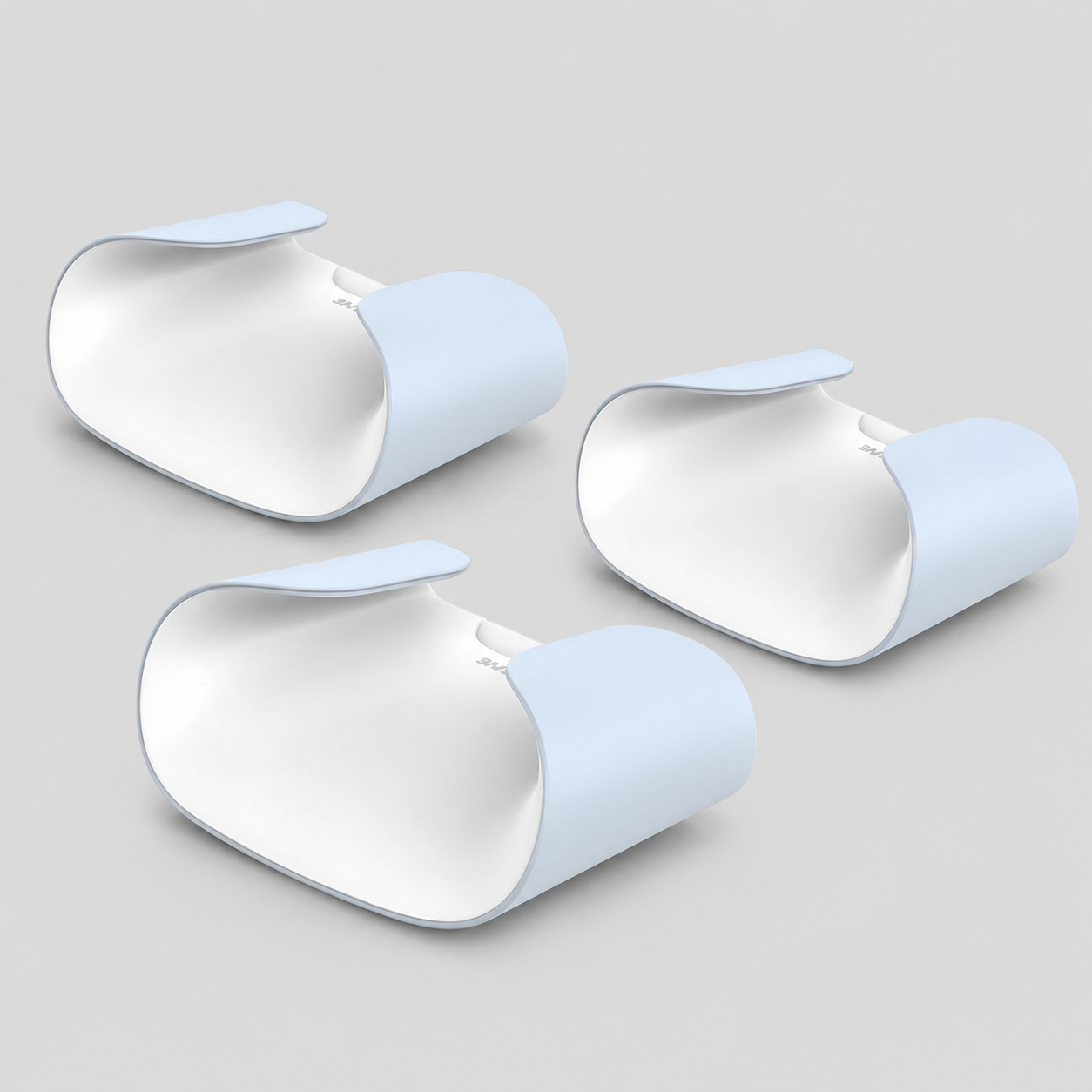
It gives you a dedicated 2- or 3-node Wi-Fi 6 mesh network with flexible placement. The 3-node pack can cover up to 650 m² in suitable conditions.
Choose This If
- You need stronger Wi-Fi across a larger home, shed, office or granny flat.
- Your Starlink router works, but the Wi-Fi doesn't reach far enough.
- You want a 2- or 3-node Wi-Fi 6 mesh system for broader coverage.
- You're comfortable connecting by Ethernet and putting Starlink into Bypass mode (you'll use the D-Link Wi-Fi instead of the Starlink Wi-Fi).
Which Option Is Right for You?
| Need | Recommended option |
|---|---|
| Whole-home or large-area Wi-Fi coverage | D-Link AQUILA PRO AI Wi-Fi 6 Mesh System |
| Direct Starlink Gen 2 router replacement & mesh | Genuine Starlink Gen 2 Router UTR-211 |
| Ethernet output from a Gen 2 Starlink router | Starlink Gen 2 Ethernet Adapter |
| More wired ports after Ethernet is available | Spacetek 5-Port Gigabit Ethernet Switch |
| Simple plug & play setup for smaller areas | Starlink Router Mini |
Starlink Setup Notes
Connect the first node to your Starlink router (or Ethernet adapter) by Ethernet, then turn on Bypass mode in the Starlink app under Router Settings. The D-Link then runs your Wi-Fi, so you'll connect to the network name printed on the label under each node.
If you have a Gen 2 Starlink router, add the Starlink Ethernet Adapter first to get an Ethernet port.
Read our step-by-step setup guide →
Common Use Cases
🏠 Larger homes
Extend Wi-Fi across multiple rooms where the Starlink router signal drops off.
🏢 Offices, sheds and workshops
Get stronger coverage where Starlink enters one part of the building but devices are used elsewhere.
🚐 Caravan, RV and site-office setups
Improve coverage around a van, annex, worksite office or nearby indoor area when installed appropriately.
What's Included
📦 D-Link AQUILA PRO AI Wi-Fi 6 Mesh System in your selected pack size: 2 mesh units in the Dual-Pack or 3 mesh units in the Three-Pack.
🛰️ Don't have Starlink yet? Your Starlink kit isn't included. Order it direct from Starlink through our referral link and you may be eligible for Starlink's current referral offer.
Support & Warranty
📝 D-Link Australia & New Zealand provide a limited 3-year warranty on all Aquila devices, plus free 24/7 phone tech support: AU 1300 700 100 · NZ 0800 900 900
Important Notes
⚠️ Coverage depends on building layout, wall materials, interference and node placement.
⚠️ If you're unsure, contact Spacetek with your Starlink model and desired network layout.
This product has no reviews yet.
Complete your setup

Why buy from Spacetek?
-
Starlink specialists since 2021
Dedicated expertise in Starlink mounting, power and connectivity solutions.
-
Trusted by more than 30,000 customers
Helping customers get connected at home, on the road and in remote locations.
-
Products selected for real-world use
Practical solutions chosen with compatibility, durability and real installation needs in mind.
-
Australian-based customer support
Our team can help with Starlink compatibility and installation questions before you order.